
Sales Compensation Plan Lifecycle Management: 8 Stages and the Software Each One Needs
How to run a sales compensation plan from design to year-end close: the eight stages, who owns each one, a worked plan year and what software must support at every step.


- Sales compensation plan lifecycle management covers eight stages: design, model, approve, communicate and sign, launch, monitor, change mid-cycle, and close and archive.
- In Great Britain, the written statement of employment particulars must state the pay rate or calculation method, and changes must be confirmed in writing within one month (Employment Rights Act 1996, sections 1 and 4).
- In a worked example, a 40-rep UK team models a £2,340,000 plan against a £2,400,000 budget, collects 40 e-signatures in 11 days and closes the year with a £35,100 true-up.
- Qobra runs the whole lifecycle in one platform, from AI-drafted plans and sandboxes to DocuSign commission letters, multi-level approvals and real-time statements (qobra.co, Oct 2026).
Sales compensation plan lifecycle management is the process of running a commission plan from its design to its archive, with every stage owned, approved and recorded: design, model, approve, communicate and sign, launch, monitor, change mid-cycle, and close and archive. This guide covers what each stage produces, who owns it and what software must support, with a worked plan year and six platforms compared.
What are the eight stages of the sales compensation plan lifecycle?
A sales compensation plan moves through eight stages every year, and each hands the next a record it depends on: a design, a cost model, approvals, signed letters, a live configuration, approved payouts, versioned changes and an archive.
The sales compensation plan lifecycle: outputs, owners and software requirements
| Stage | Output | Owner | What software must support |
|---|---|---|---|
| 1. Design | Plan rules: eligibility, pay mix, quotas, rates, accelerators and terms | RevOps with sales leadership | No-code plan builder; rules Finance can read |
| 2. Model | Total cost, cost of sales and payout distribution on past deals | RevOps with Finance | Simulation on historical data; scenario comparison |
| 3. Approve | Approved plan and budget | Finance, sales leadership, HR and Legal | Approvals recorded against a named plan version |
| 4. Communicate and sign | One signed plan letter per rep | RevOps and HR | Letters filled from plan data; e-signature; signature tracking |
| 5. Launch | Live plans with payees, quotas and data connected | RevOps | CRM, HRIS and ERP connectors; parallel run |
| 6. Monitor | Statements, dashboards and approved payouts every period | RevOps, managers and Finance | Real-time calculation; rep dashboards; multi-level approvals; payroll export |
| 7. Change mid-cycle | New plan version and signed amendments | RevOps, Finance and HR | Effective-dated versions; closed periods left intact |
| 8. Close and archive | Final true-ups, reconciled payouts and an archived record | Finance and RevOps | Statement history; audit trail; payroll and accrual reconciliation |
Spreadsheets can hold the math of one stage, but the lifecycle breaks between stages: the model, the signed plans, the approvals and the payout file end up in different places, so nobody can show which plan version produced a payment.
How do you design and model a plan before it goes live?
Design and modelling come first because every later stage inherits their mistakes: an ambiguous rule becomes a dispute at the first payout, and an unmodelled cost becomes a budget overrun by the fourth quarter.
Design. Write down eligibility, pay mix, quotas, rates, accelerators and the terms that cause disputes later: crediting splits, clawbacks, payment timing and departures. Software should let RevOps build these rules without code and keep them readable, so Finance reviews the logic instead of trusting a formula.
Model. Replay the new plan on the last 12 months of closed deals to see its cost and payout distribution by rep before anyone signs. Our guide to sales compensation modelling software covers the full modelling workflow and compares nine tools, and the free sales commission budget calculator gives a first budget estimate.
How do you approve a plan and get every rep to sign it?
Approval turns a modelled plan into a commitment: Finance signs off on the cost and its effect on accruals, sales leadership on quotas and territories, HR on eligibility rules and Legal on the plan document, before any rep receives it.
Record each approval against a named plan version: an email approval of a file that can still change proves little.
Each rep then receives a plan letter with their own quota, target earnings, rates, payment timing and terms such as clawbacks. In Great Britain, the written statement of employment particulars must include "the scale or rate of remuneration or the method of calculating remuneration" (Employment Rights Act 1996, section 1), and the employer must confirm any change in writing within one month (section 4). Commission counts as wages (section 27), so a clawback recovered from later pay is a deduction: it needs a contract term given or notified to the rep in writing beforehand, or the rep's prior written agreement (section 13).
Software should generate letters from plan data, send them for e-signature, track who has not signed and store each signed letter with its plan version.
What should happen when a new plan launches?
Launch is when the plan meets live data, so its goal is to prove the configuration on real deals before the first payout leaves.
- Load payees, quotas and plan assignments, with start dates from the HRIS.
- Connect deals from the CRM, employee events from the HRIS, and invoices from billing or the ERP when the plan pays on collection.
- Run the first period in parallel with the old process and explain every difference before payroll.
- Open statements to reps in the first week and walk each team through one real deal.
For the data mapping and rule configuration steps, see our guide to automating commission tracking.
How does real-time tracking keep a plan on course?
An automated system for real-time sales performance tracking reads deals from the CRM, recalculates commissions as the data changes and shows reps, managers and Finance the same earnings, attainment and payout figures, so problems surface during the period instead of after payroll.
Static monthly reports show where the team was; real-time commission dashboards show where it is. Each rep sees earnings, attainment against quota and what an open deal would pay, managers see their team, and Finance sees cost against budget.
- Forecasting: attainment and payouts update as deals move, so sales leaders see where the period is heading while there is still time to act, and Finance forecasts commission expense from the same numbers.
- Coaching: linking rep activity to incentive outcomes makes coaching concrete: a manager can show a rep at 60% of quarter-to-date quota which two open deals would bring them to 100%.
- Alignment: a centralised system gives everyone one plan and one dataset, so individual targets roll up to team and company revenue goals.
- Plan health: attainment distribution, over- and underpayment and rep questions show whether the plan works.
G2's 2026 guide to sales performance tools evaluates platforms on how well they help teams "improve forecast accuracy, connect rep activity to revenue outcomes, and bring incentive management into one clear system" (G2 Learn). For CRM data freshness by platform, see our real-time commissions comparison.
How do automated calculations and approvals speed up every payout cycle?
Automation shortens each payout cycle because the rules are configured once and applied to every deal the same way, and approvals move through a defined chain inside the tool instead of through email.
Spreadsheets fail in predictable places: copied formulas, pasted CRM exports and files several people edit at once. G2's 2026 guide to sales compensation software looked for tools that "automate commission calculations, apply rules consistently, and offer audit trails for compliance" (G2 Learn).
Approvals are where spreadsheet cycles lose days: a statement goes out by email, waits in an inbox and comes back with a correction, and an error found after payroll becomes a clawback. A built-in approval workflow fixes the order and the evidence:
- The rep reviews the statement and raises questions from it, not by email.
- The manager approves the team's statements.
- Finance approves totals and manual adjustments, with reasons logged.
- Approved payouts go to payroll, each approval with its author and timestamp.
Integrations remove the remaining manual steps: deals flow in from the CRM, hires, terminations and manager changes from the HRIS, and approved payouts out to payroll, so nobody retypes a number.
How do you change a plan mid-cycle without breaking trust?
Change a plan mid-cycle only for a clear business reason: simulate it on historical data, make it prospective through a new effective-dated version, leave closed periods untouched and collect signed amendments before the effective date, since a change to contractual terms usually needs each rep's agreement (gov.uk).
Our guide to changing a sales compensation plan mid-year details the seven-step process, the UK legal rules and how eight platforms handle the change. The signals that justify a change, from a new business model to repeated calculation errors, are covered in when to change your sales commission plan.
How do you close a plan year and archive it?
Closing a plan year means paying the final amounts the plan owes, locking the records that prove each payment and feeding what you learned into the next design.
- Final calculations: annual true-ups, accelerators measured on annual attainment, clawbacks inside the plan's window and draw balances.
- Reconciliation: Finance ties approved payouts to payroll and to the commission expense in the ledger.
- Archive: signed letters, every plan version, statements, approvals and adjustments, kept together. UK employers must keep payroll records for 3 years from the end of the tax year (gov.uk), and audit policy can require more.
- Review: attainment distribution, cost of sales and disputes become inputs for next year's design.
To test whether a platform can rebuild one payout from these records, use our commission audit trail guide.
Worked example: one plan year for a 40-rep UK sales team
Hypothetical example: a UK software company with 40 account executives prepares its 2027 plan. On-target earnings are £120,000 with a 50/50 pay mix, so £60,000 of target commission on an annual quota of £600,000 in annual contract value (ACV). The plan pays 10% of ACV monthly, plus 5 points on ACV above quota as a year-end true-up.
The 2027 plan year of the example team (hypothetical data)
| Stage | When | What happened | Software checkpoint |
|---|---|---|---|
| Design | October 2026 | Rules written: 10% base rate, 15% on ACV above quota, 50/50 credit on shared deals, clawback if a customer cancels within 90 days | Rules built without code and readable by Finance |
| Model | November 2026 | Replay on 12 months of closed deals (£22,800,000 of ACV, 95% average attainment): £2,280,000 at the base rate plus £60,000 of accelerators for 12 reps above quota, so £2,340,000, or 10.3% of ACV | Simulation on historical deals; payout distribution by rep |
| Approve | 1 to 5 December | Finance approves against a £2,400,000 budget (£60,000 of headroom); the chief revenue officer approves quotas; HR and Legal approve the letter template | One approval record per approver |
| Communicate and sign | 8 to 19 December | 40 letters sent on 8 December; 31 signed within 3 days; reminders sent to the other 9; all 40 signed by 19 December | Letters filled from plan data; e-signature; signature tracking |
| Launch | January 2027 | Parallel run against the old spreadsheet finds 2 differences: a shared deal credited 100% to one rep, and a euro deal converted at the wrong rate; both fixed before February payroll | Every difference explained before payroll |
| Monitor | Every month | End of the first quarter: 9 reps below 60% of their quarterly quota (£90,000 of £150,000); managers review those pipelines deal by deal | Rep and manager dashboards; multi-level monthly approvals |
| Change mid-cycle | 1 July 2027 | A new analytics product pays 12% instead of 10%; the sandbox estimates £48,000 of extra cost for the second half, within the £60,000 headroom; version 2 takes effect on 1 July after 40 amendments are signed by 26 June | Effective-dated version; January to June statements unchanged |
| Close and archive | January 2028 | 13 reps finish above quota with £702,000 of ACV above quota in total: 5% true-up = £35,100; 3 customers cancel within 90 days, reversing £6,000 (3 deals of £20,000 ACV at 10%); records archived | Statement history; audit trail; retention policy |
Which software supports every stage of the plan lifecycle?
Commission platforms differ less on calculation than on the stages around it: modelling, plan letters and signatures, effective-dated changes, approvals and rep visibility. The table compares what six vendors state on their own websites; confirm each point in a demo.
Plan lifecycle support stated by commission software vendors
| Platform | Model before launch | Plan letters and e-signature | Effective-dated versions | Approvals and closed periods | Rep visibility |
|---|---|---|---|---|---|
| Qobra | Sandbox that calculates commissions on historical data (Scale package); The Architect simulates plan changes on historical payouts before they reach reps | Commission letters autofilled with the right data, sent for DocuSign e-signature, pending signatures chased in one click (Scale package) | Yes: plan versions with effective dates | Multi-level statement approval, from the rep to the manager and up to Finance, before payroll; statements keep the rows used at calculation time | Statement and dashboard per rep with quota attainment, earned and projected commissions and every calculation step; deal simulation; questions raised from the statement |
| CaptivateIQ | Yes: "what-if scenarios in real time" on historical data; AI-generated scenarios (Planning) | Commission contracts managed in one place; agreements sent to one or more signers with a free DocuSign integration and licence; signature progress tracked; signed agreements exported | Version control stated; effective-dated versions not stated on the vendor's website | Segregation of duties on comp changes; approval workflows | Statements with tracing, what-if calculator, inquiries; iOS and Android app |
| Everstage | Yes: "estimate spending for each plan in a selected time period"; multiple scenarios (Planning) | Commission contracts created and sent automatically, with reminders and signature tracking against a defined time frame | Yes: effective dates | Approvals logged; approval workflows and governance | Traceable statements, Crystal forecasting, Slack and Teams updates; iOS and Android app |
| Spiff by Salesforce | Hidden test plans; historical modelling not documented | Not stated on the product page reviewed | Yes: effective dates on plans and logic; start and end dates | Yes: locked historical statements ("Deep Audit Trail") | Web statements with tracing and estimator, in-app comments; desktop and mobile |
| QuotaPath | Yes: draft mode "with your historical data"; forecasting by attainment scenario | Rep sign-off with an in-app Plan Verification feature; DocuSign, email or in-person sign-off also cited | Not stated on the vendor's website | Basic approvals (Growth) or multi-level approvals (Premium); deal flagging | Earnings, attainment and forecast pages; web app plus earnings pages inside HubSpot; no dedicated mobile app listed |
| Xactly Incent | Yes: "simulate changes to current and potential plan components" | Not stated on the product page reviewed | Plan rollover and reusable rules; effective-dated versions not stated on the vendor's website | Approval workflow not stated on product page | Drill-down statements, estimator; native iOS and Android |
Sources: vendor websites, 30 October 2026 (plan letter column) and Sept 2026 (other competitor cells, as published in our mid-year plan change comparison); qobra.co, Oct 2026 (effective-dated versions: Sept 2026).
- Qobra fits teams that want plan letters, sandboxes, approvals and rep statements in one platform, because qobra.co documents all four (letters and sandboxes in the Scale package).
- CaptivateIQ fits Finance-led teams that want signed agreements and payout approvals next to plan models, because its collaboration page documents DocuSign agreements, signature tracking and approval deadlines.
- Everstage fits teams that need effective-dated changes and contract signature deadlines, because it documents both.
- Spiff by Salesforce fits Salesforce-centric teams that want locked historical statements, because it documents them with effective dates on plans and logic; ask how plan letters are signed.
- QuotaPath fits SMB and mid-market teams that want in-app plan sign-off, because it documents a Plan Verification feature; multi-level approvals require Premium.
- Xactly Incent fits enterprises that need plan-component simulation and native mobile statements, because its website documents both; its product page states neither plan letters nor an approval workflow.
How Qobra handles the sales compensation plan lifecycle
Qobra, which has offices in London, Paris and New York, runs every stage of the plan lifecycle in one platform. 350+ companies and 30,000+ users run their commissions on Qobra, with $1B+ in commissions certified; its data is hosted in the EU with UK GDPR compliance (qobra.co/uk/about-us).
- Design: a no-code plan builder made for compensation logic. The Architect, one of three AI agents included in every package, drafts a plan from a PDF or Excel file and applies bulk updates across plans; your team reviews and validates every change (qobra.co/uk/product/design-comp-plans, Oct 2026).
- Model: a sandbox calculates commissions on historical data to catch edge cases, compare scenarios and visualise payout distribution before anything reaches reps.
- Sign: commission letters are autofilled with the right data, sent for DocuSign e-signature, and pending signatures are chased in one click (qobra.co/uk, Oct 2026).
- Launch: onboarding is run by an in-house team, customers run Qobra in parallel with their current process before switching payroll over, and go-live takes weeks (qobra.co/uk/pricing, Oct 2026).
- Integrations: CRMs (Salesforce, HubSpot, Microsoft Dynamics 365, Zoho CRM, Pipedrive, Odoo, Attio), HRIS and payroll tools (Workday, HiBob, BambooHR, Sage People, Employment Hero, Rippling, Deel and more) and NetSuite for accruals (qobra.co/uk/product/integrations, Oct 2026).
- Monitor: "real-time calculation and built-in discrepancy detection" (qobra.co/uk/pricing, Oct 2026), a statement and dashboard per rep with every calculation step, The Sales Coach for rep questions, and The Analyst, which tracks attainment and pay versus performance and alerts the team before payroll.
- Approve payouts: multi-level statement approval from the rep up to Finance, one-click export of approved payouts to payroll, and rep requests tracked and closed before payday (qobra.co/uk/product/secure-commissions, Oct 2026).
- Change and close: every calculation, plan change, approval, adjustment and export is recorded in a complete audit trail, and Qobra forecasts payouts and generates accruals at each close (qobra.co/uk/product/secure-commissions and /uk/product/analyse-commissions, Oct 2026).
G2's 2026 guide describes Qobra as making it easy "to create, track, and explain sales compensation plans with approval workflows and analytics" (G2 Learn). Plan for the limits: commission letters with e-signature, sandboxes, native HRIS sync, SSO and the complete audit trail are in the Scale package (qobra.co/uk/pricing, Oct 2026), and Qobra is built for teams with 10 or more people on commission plans or bonus schemes, a clean system of record and documented comp rules.
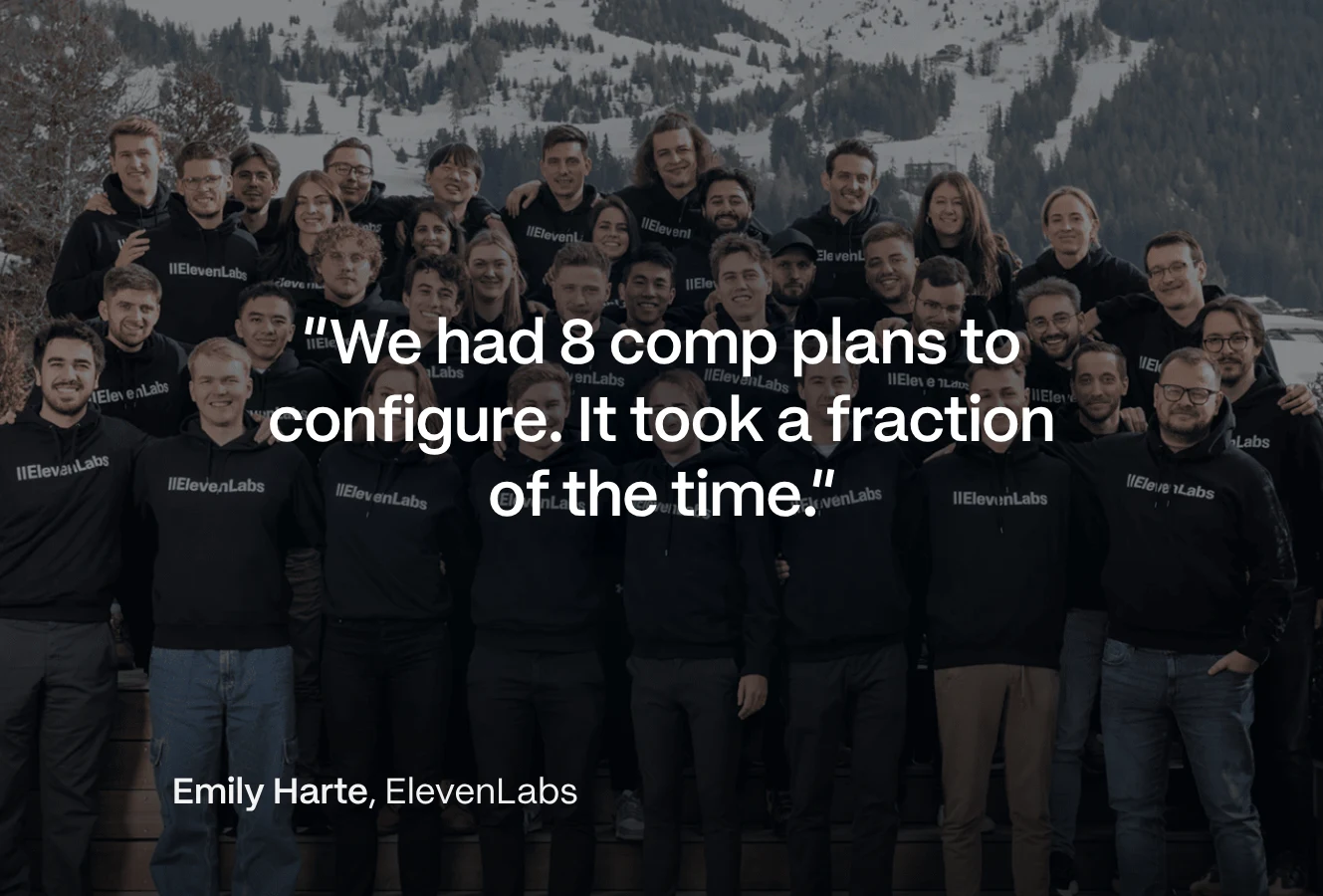
"We had 8 comp plans to configure. It took a fraction of the time it would have taken me on my own." Emily Harte, Revenue Strategy and Operations at ElevenLabs (customer quote on qobra.co)
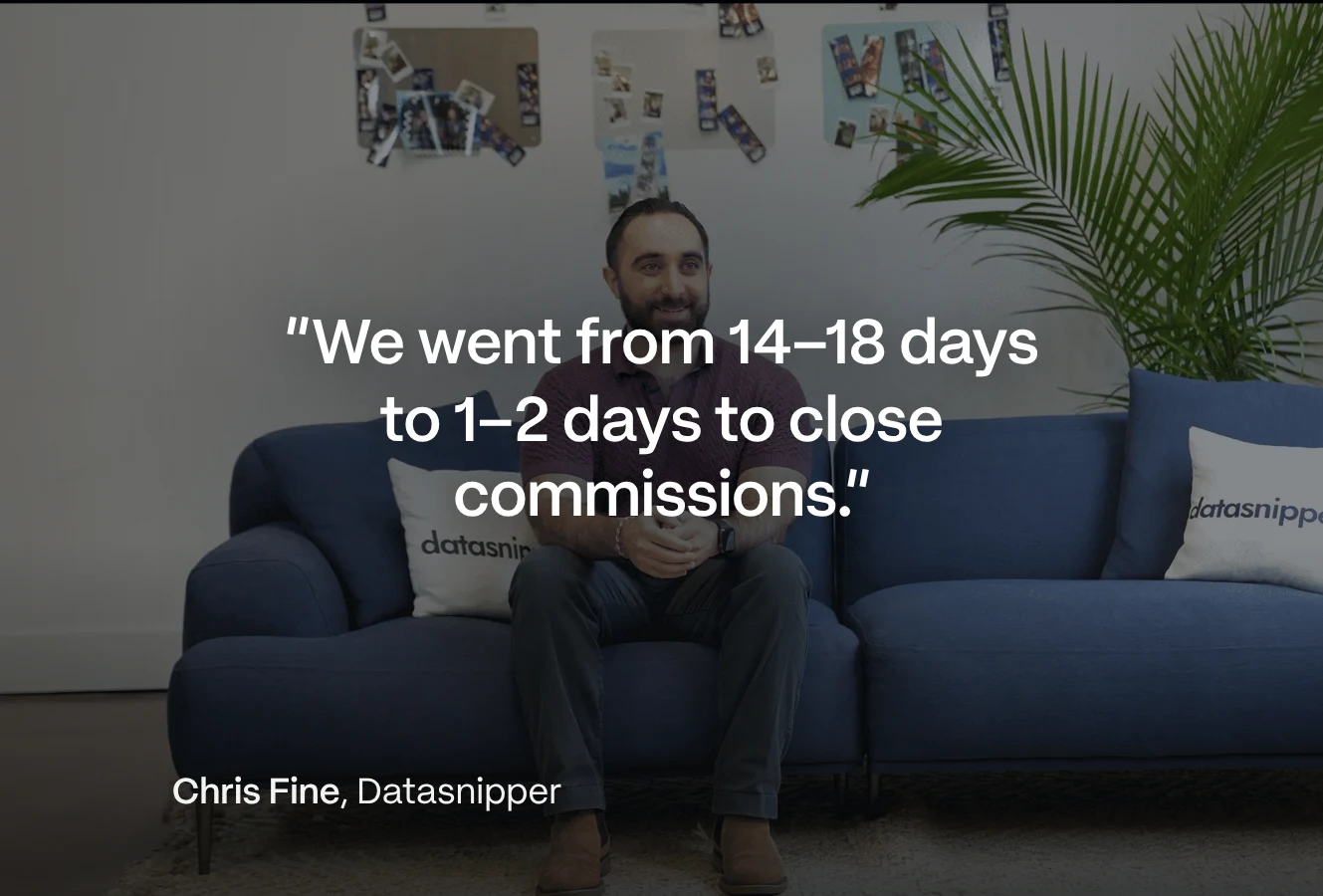
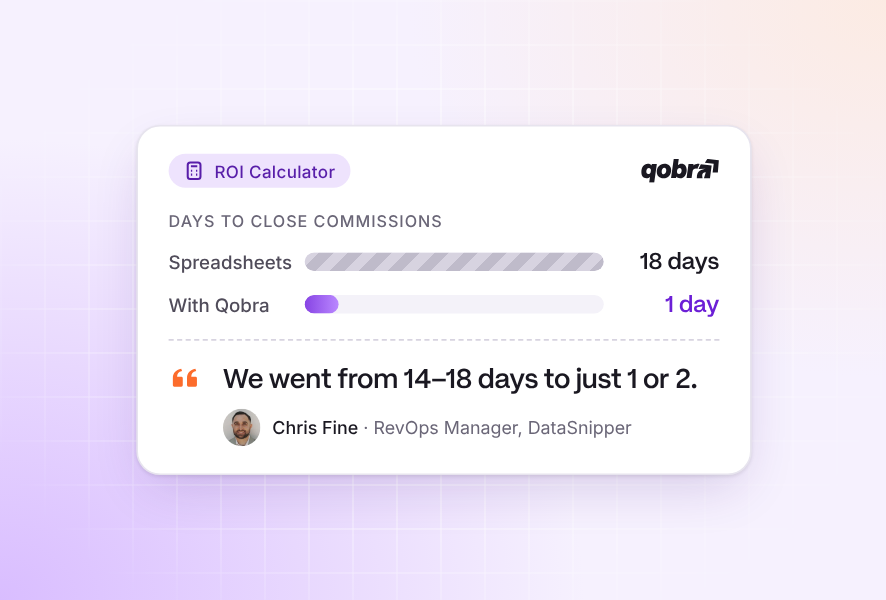
"Closings went from 2 weeks to 2 days, we're getting down to 1 day now." Chris Fine, RevOps Manager at DataSnipper (customer quote on qobra.co)
Frequently asked questions
What is sales compensation plan lifecycle management?
Sales compensation plan lifecycle management is the process of running a commission plan from design to archive. It covers eight stages: design, model, approve, communicate and sign, launch, monitor, change mid-cycle, and close and archive. Each stage has an owner and leaves a record, so every payout can be traced to a signed, approved plan version.
How do you find an automated system for real-time sales performance tracking?
Look for a platform that reads deals from your CRM, recalculates commissions as data changes and gives reps, managers and Finance the same dashboards. Then test it with your own data: close a deal in the CRM, check how the rep's attainment and earnings update, and ask a manager to explain one payout from the statement alone.
What is a reliable platform to streamline the sales compensation lifecycle?
A reliable platform covers modelling, plan letters, approvals, effective-dated changes and rep statements in one place. Qobra documents all five, with letters and sandboxes in its Scale package. CaptivateIQ and Everstage also document plan agreements with signature tracking, and Spiff by Salesforce documents effective-dated plans with locked historical statements.
Do sales reps have to sign their commission plan?
In Great Britain, the law requires written terms: the written statement of employment particulars must state the rate of pay or how it is calculated, and changes must be confirmed in writing within a month (Employment Rights Act 1996, sections 1 and 4). A signed plan letter is the simplest proof of acceptance, which matters for clawbacks (section 13).
What should you do at the end of a commission plan year?
Pay the final amounts the plan owes, such as annual true-ups, accelerators and clawbacks, then reconcile approved payouts to payroll and the ledger. Archive signed plans, plan versions, statements and approvals: payroll records must be kept for 3 years after the end of the tax year (gov.uk). Then use the year's results to design the next plan.
A compensation plan is easier to run when its design, signatures, approvals and payouts live in one system. To see how Qobra runs your plans from design to year-end close, Book a demo.