
Sales Compensation Software Benchmark
Download

Sales Commission Budget Calculator

Forecast the variable-comp budget your sales team will actually spend: by role, attainment distribution, accelerators, caps and new-hire ramp. Or flip it: start from a fixed budget and back into the on-target pay and commission rate you can afford. Built for RevOps and Finance.
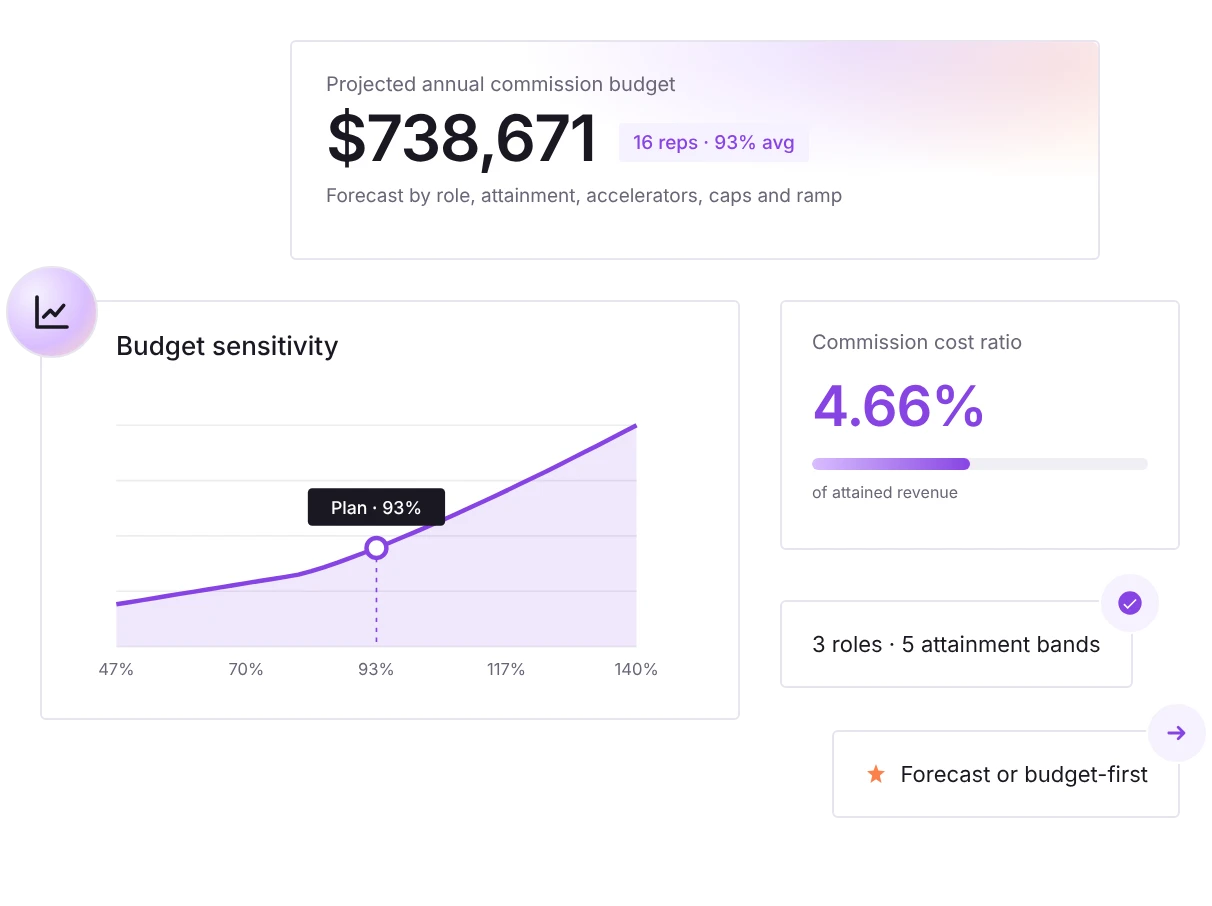
Sales commission budget calculator preview showing the projected annual budget, budget sensitivity curve and commission cost ratio

How It Works

Three steps to a defensible commission budget. No signup, no spreadsheet.

01. Build your team

Add a row per role (AEs, SDRs, CSMs, AMs) with headcount, on-target variable comp and annual quota. Mix as many roles as your org runs.

02. Set attainment & structure

Tell the model how performance is distributed across the team, then set your accelerator, threshold/cliff, commission cap and new-hire ramp.

03. Read your budget

See total spend, cost as a percentage of revenue, spend by role, a sensitivity curve and conservative / expected / aggressive scenarios, all in real time.

What You Can Model

Every lever that moves a real commission budget. Most overruns come from accelerators and a top-heavy attainment curve, so we model them explicitly rather than as a flat average.

Forecast or reverse-solve
Forward mode projects spend from your plan. Reverse mode takes a fixed budget and solves the on-target variable and commission rate per role that exactly exhausts it.
Multiple roles & segments
AE, SDR, Customer Success, AM. Each role carries its own headcount, pay mix, quota and implied commission rate, and budgets blend across the whole team.
Attainment distribution
Set what share of reps land in each performance band. Over-performers cost more than a linear average implies, and that's exactly where accelerators bite.
Accelerators
Apply a marginal-rate multiplier above 100% of quota. Watch the sensitivity curve bend as more reps cross into accelerated territory.
Caps, floors & new-hire ramp
Set a threshold below which nothing is paid and a cap as a percentage of variable. Account for mid-year hires with a ramp length and guaranteed ramp commission.
Commission Budget Planner
Forecast the variable-comp budget your plan will spend.
Your budget
$
We solve the on-target variable comp (OTC) and commission rate per role that exhausts this budget at your expected attainment.
Sales team i
RoleReps On-target variableAnnual quota
Expected attainment distribution i
Team coverage: 100% · weighted avg attainment: - · shares don't total 100% (auto-normalized)
Plan structure
No commission below this attainment.
Marginal rate multiplier over quota.
Maximum a single rep can earn, as % of their on-target variable. Slide to max to disable.
Guaranteed commission paid to ramping reps for the portion of the year they ramp.
Projected annual commission budget
-
-
Per rep (avg)
-
blended variable spend
Commission cost ratio
-
% of attained revenue
Avg attainment
-
weighted across team
Solved plan: on-target variable & rate by role
RoleOTC variable / repCommission rate
Budget sensitivity: spend vs. team attainment
Scenario analysis
ScenarioAvg att.Total budgetvs. plan
Spend by role
RoleRepsBudgetShare
Automate this with Qobra →
Estimates for planning only. Inputs stay in your browser, nothing is sent to a server.
From forecast to reality

From Forecast to Real-Time Commission Management

This calculator sizes the budget. It can't pull deals from your CRM, re-rate commissions when a deal churns, or show every rep what they've earned this quarter. That gap, between the plan on paper and the numbers reps trust, is where disputes and shadow spreadsheets live.

Qobra, an incentive compensation management (ICM) platform, connects to your CRM and payroll, automates every commission calculation in real time, and gives each rep a live dashboard, so the budget you forecast here is the budget you actually control. Every statement goes through multi-level approval before payroll, and every change is logged in a full audit trail.

$1B+

In commissions certified on Qobra, across 350+ companies and 30,000+ users.

Real-time

Commission spend tracked against budget as deals close, instead of discovering overspend at quarter-end.

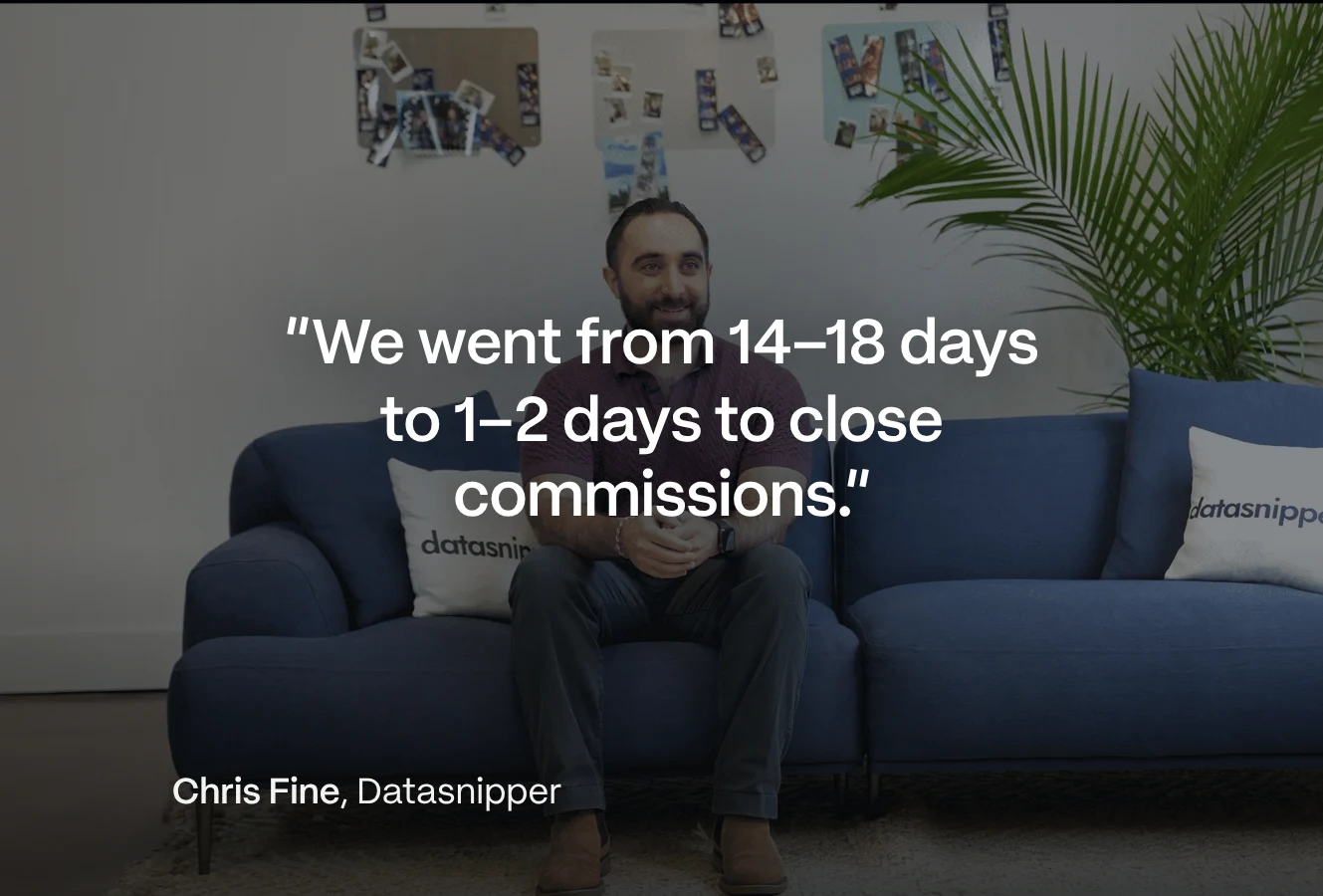
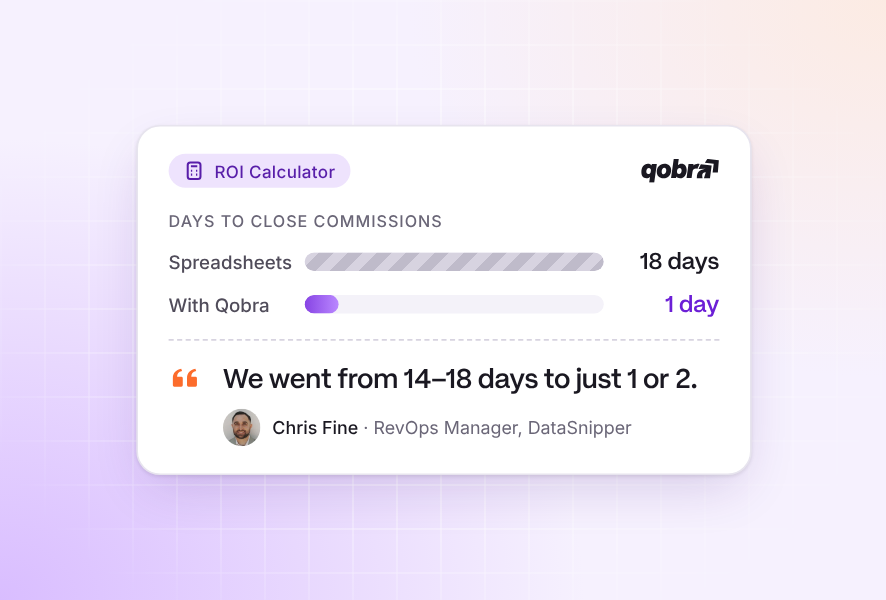
2 weeks → 2 days

Commission closings at DataSnipper

Your frequently asked questions

A sales commission budget is the total variable compensation a company plans to pay its sales team over a period, usually a fiscal year. It's the sum of every rep's expected commission given their quota, pay mix, attainment and the plan's accelerators and caps, and it's distinct from base salary.

Multiply each role's on-target variable comp by the fraction of that variable each rep earns at their expected attainment, then sum across the team. The key is to model attainment as a distribution across performance bands rather than a single average, because accelerators make over-performers cost more than a flat average suggests.

There is no single right number. Alexander Group's cross-industry B2B benchmark puts all sales cash compensation (base plus variable pay, for every sales role) at 7.9% of revenue. Variable-only ratios run higher for new-logo sales than for renewals. Treat these as guardrails and validate against your own actuals.

Forward planning starts with the team and projects the spend it will generate. Reverse, or budget-first, planning starts from a fixed envelope and solves for the on-target variable comp and commission rate per role that exactly exhausts it at expected attainment. Use forward to size spend; use reverse to test whether a target pay package is affordable.

An accelerator multiplies the commission rate above 100% of quota, so over-performers earn accelerated dollars that under-performers don't give back. This raises the expected budget whenever a meaningful share of the team finishes above quota, and modeling it against a realistic attainment distribution is the single biggest driver of forecast accuracy.

Reps hired mid-year rarely hit full quota immediately, but most plans pay them a guaranteed ramp commission while they get up to speed. The tool lets you add new hires, set the ramp length and the guarantee level, and folds the resulting guaranteed spend into the total budget.

No. All inputs stay in your browser; nothing is sent to a server. Use 'Copy shareable link' to encode your scenario into a URL you can bookmark or share with Finance.

It's accurate for the scenario you model, but a real plan may include per-deal-type rates, regional adjustments, SPIFFs, draws, clawbacks on churned deals and mid-year quota changes that a planning tool simplifies. Use it as a fast, defensible baseline; for live, exact commission calculation across complex plans, Qobra automates the full process.

No. It is a free planning tool: it forecasts your commission budget, or solves the plan a fixed budget can afford, and nothing you enter is sent to a server. Incentive compensation management (ICM) software such as Qobra runs the live process: it calculates commissions and SPIFFs from your CRM data, routes every statement through multi-level approval before payroll and logs every change in a full audit trail.
01
02
03
04
White stylized letter G with a superscript 2 inside a solid orange circle.
4.8/5
with 1,000+ reviews
View all customer stories
“I would say the tooling is very simple. You can see where the variables are coming from, so it was very easy and quick for our team.”
Jessica Ho, RevOps Manager at ElevenLabs
Watch the ElevenLabs story
“Since we’ve had Qobra, we’ve seen between 15 and 20% progress towards our objectives.”
Fabian Q. Veit, CEO at Make
Watch the Make story
“It’s more the fact that I just don’t have to worry about commissions anymore.”
Chris Cook, RevOps Director at GoCardless
Watch the GoCardless story
“At the end of every period, when we run commissions right now, we do a simple check with our finance team, and that’s it.”
Derek Boelig, VP RevOps at DataSnipper
Watch the DataSnipper story