Sales Compensation Software Benchmark | Compare 15+ Sales Compensation Platforms
DownloadTracking commissions manually across multiple reps, quota cycles, and commission structures leads to errors, disputes, and hours lost reconciling data. Qobra's free commission templates give your sales team a ready-to-use solution: download, input your numbers, and start calculating commission earned in minutes.
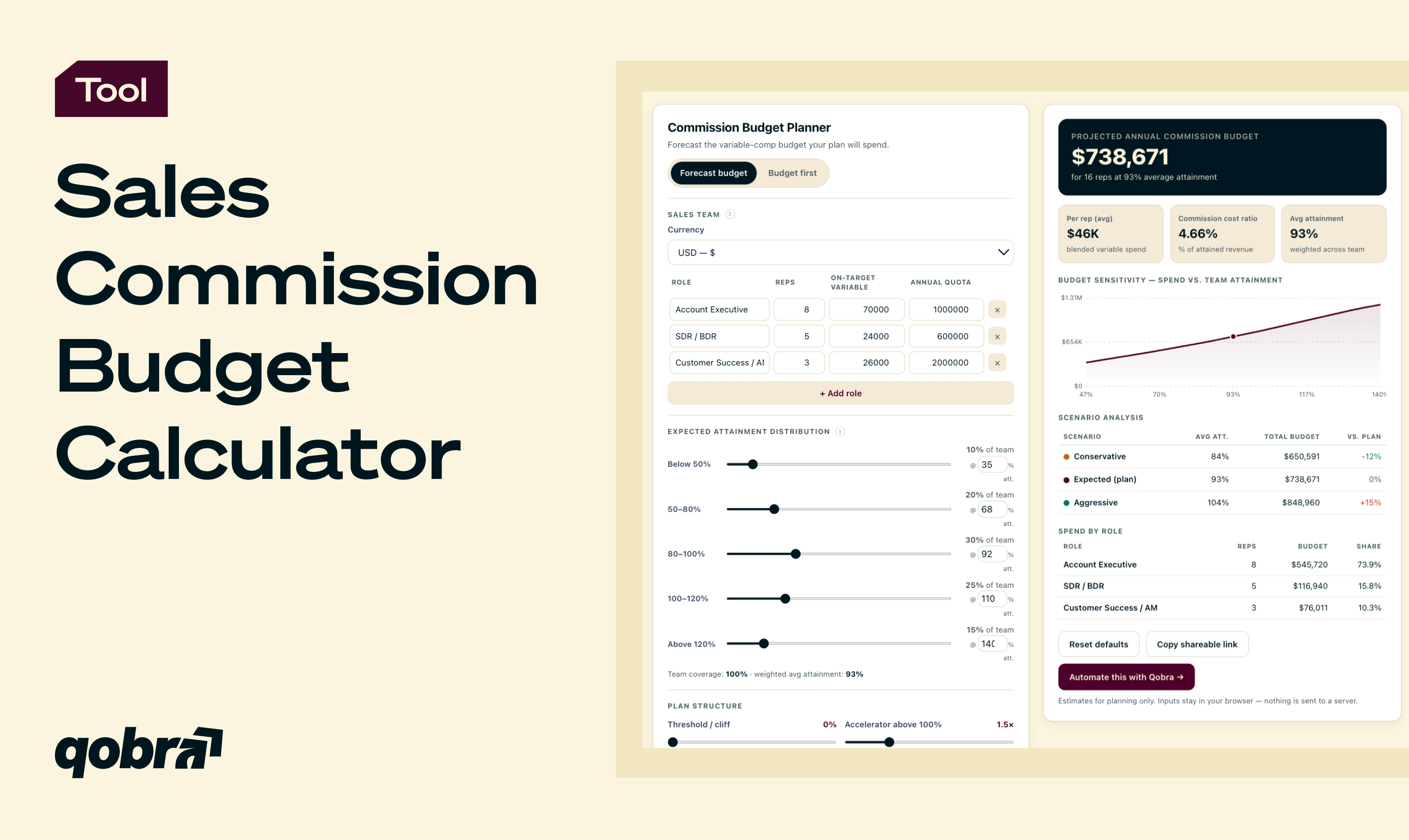
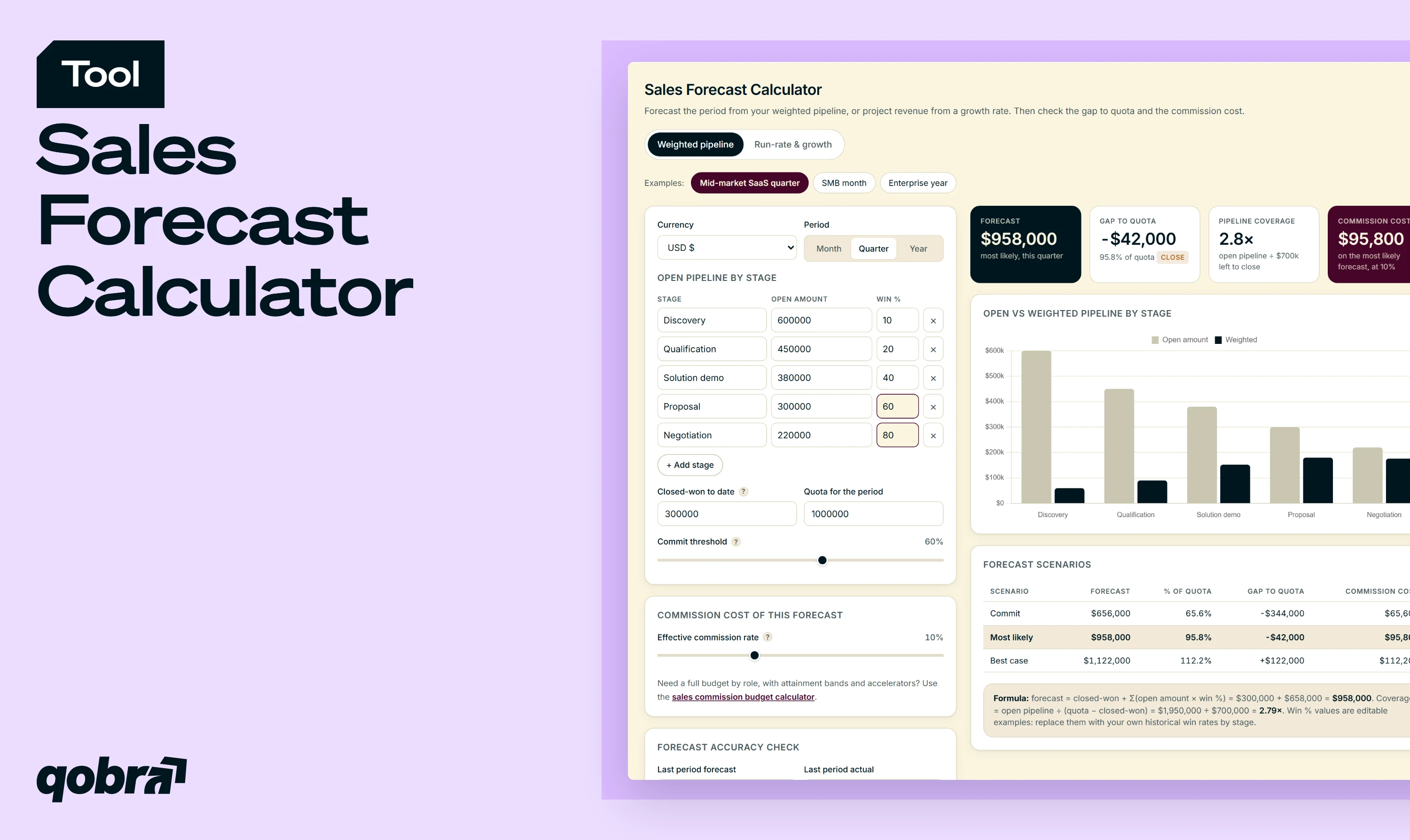
Sales Commission Budget Calculator
Forecast your sales commission budget by role, attainment, accelerators, caps, and ramp, or solve the plan a fixed budget can afford.
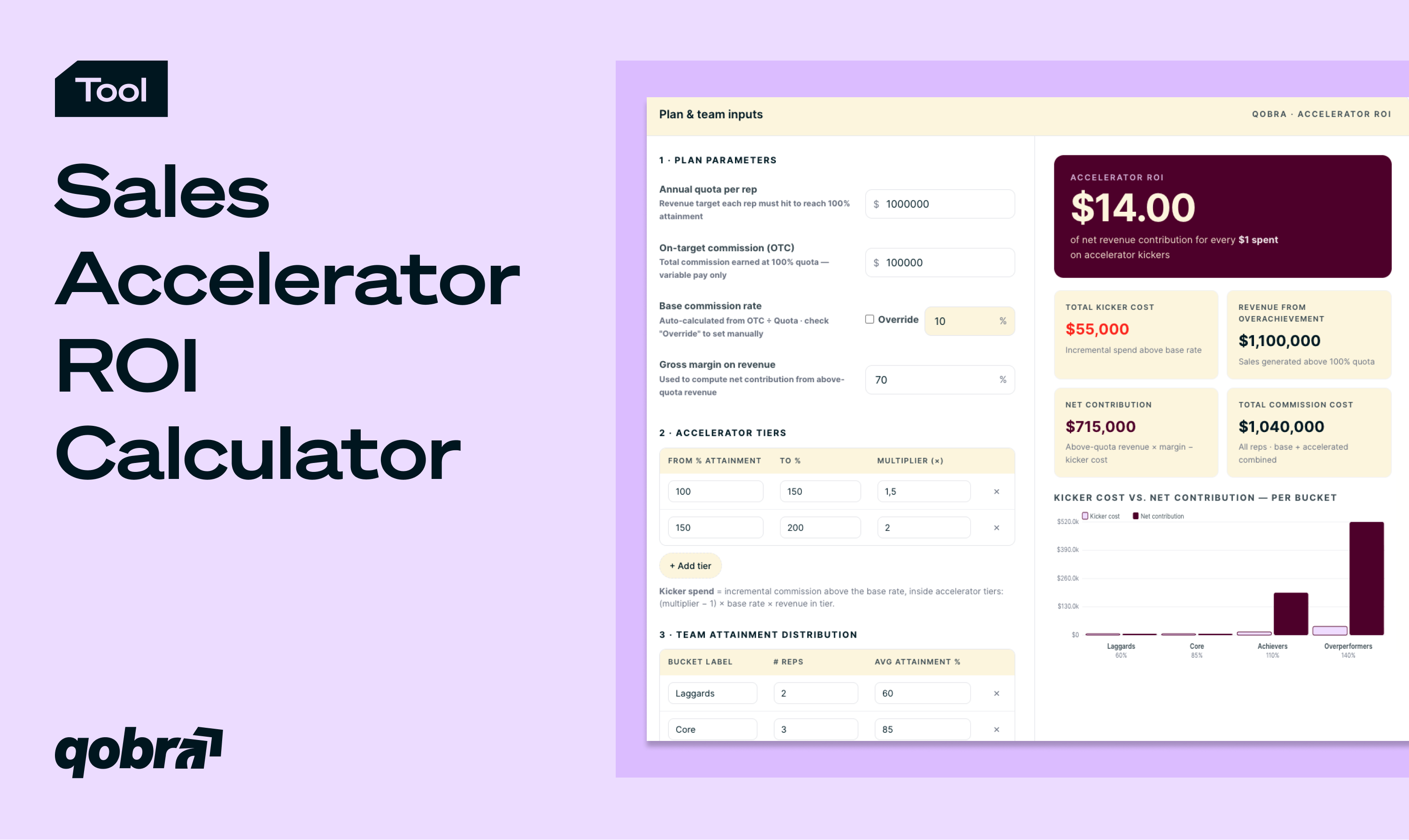
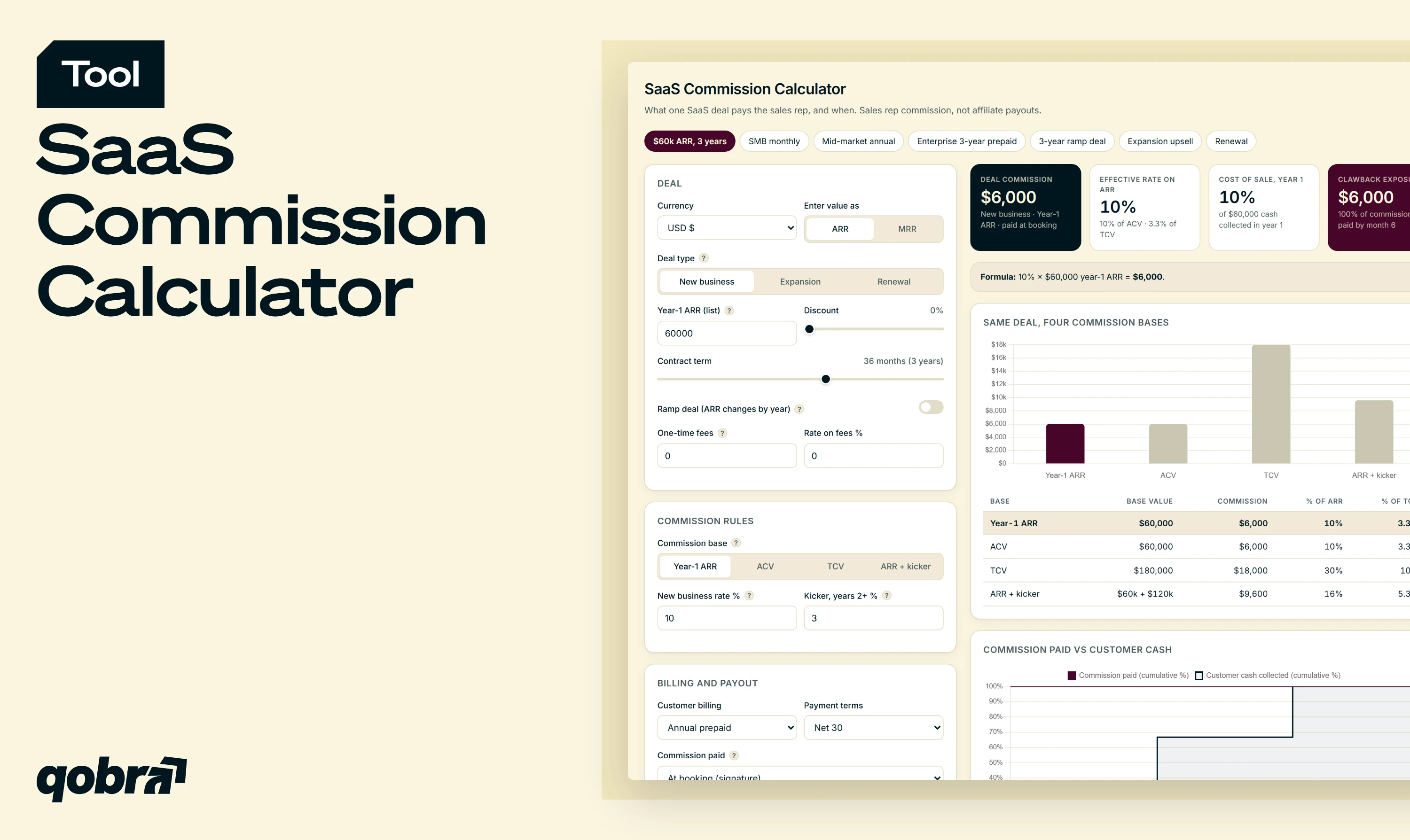
Sales Accelerator ROI Calculator
Calculate accelerator ROI in seconds. Model above-quota kicker cost vs. net revenue uplift across team attainment buckets.

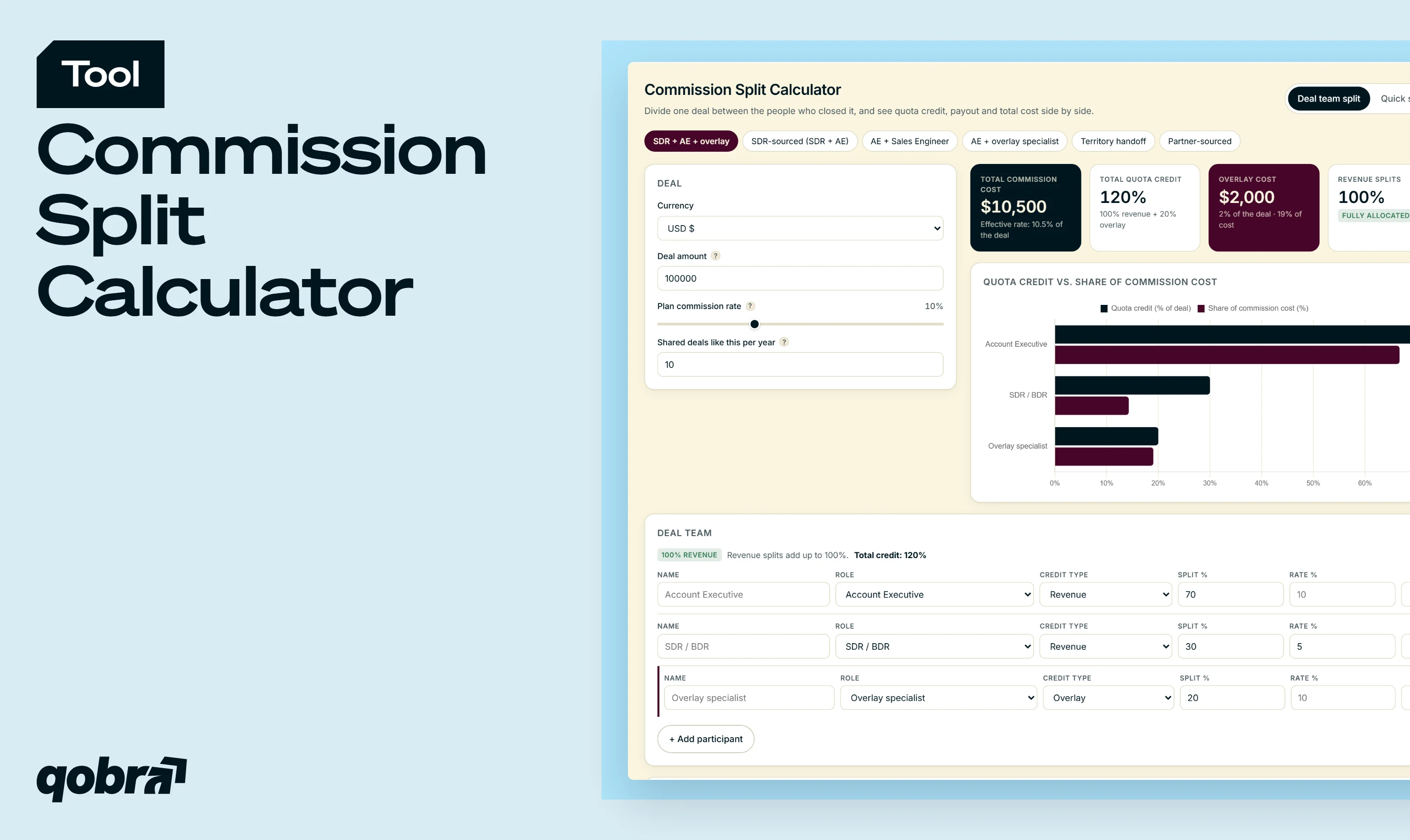
Sales Commission Calculator
Model your commission plan in seconds. Tiers, cliff, accelerators, built for AEs, SDRs, and CSMs.

Evaluate Your Incentive Compensation System
Assess your incentive compensation in 8 minutes and get a personalized score with recommendations.
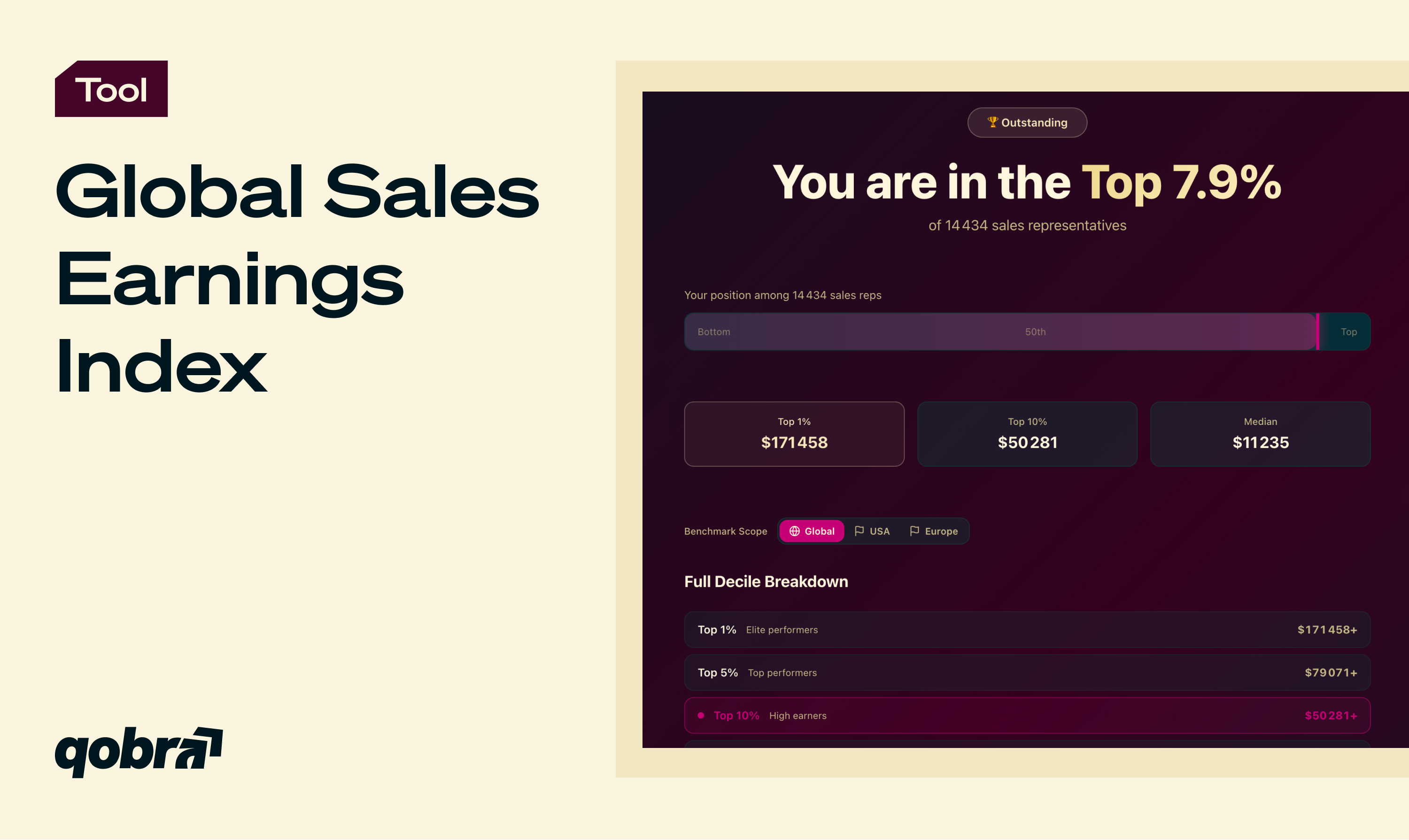
Global Sales Earnings Index
Compare your commission to 15K+ sales reps!

Qobra’s ROI Calculator
Find out how much you can save with Qobra!

A commission sheet goes beyond storing data. It gives reps, managers, and Finance a shared view of how payouts are calculated, what drives earnings, and where each rep stands against their quota. Without a structured template, commission tracking tends to live in personal spreadsheets that differ from one manager to the next. Rates change, formulas break, and reps lose trust in their payout statements. A standardized commission sheet template eliminates that drift. Everyone sees the same rules, the same calculations, and the same payout logic, regardless of role, region, or quota period.
Qobra provides free, customizable commission templates on this page. Tech: 4 sales commission templates gives four models inspired by SaaS and scale-up compensation practices, in Excel and Google Sheets. 10 sales commission plan templates covers the most common structures, from flat rate to multiplier. The sales commission agreement template formalizes eligibility and payout terms between the company and its reps. In the two spreadsheet packs you enter your reps, quotas and rates, and the payouts calculate automatically.
Qobra offers several commission templates to fit different needs:
Each template includes sections for base salary, bonuses, quota, total sales, and profit considerations.
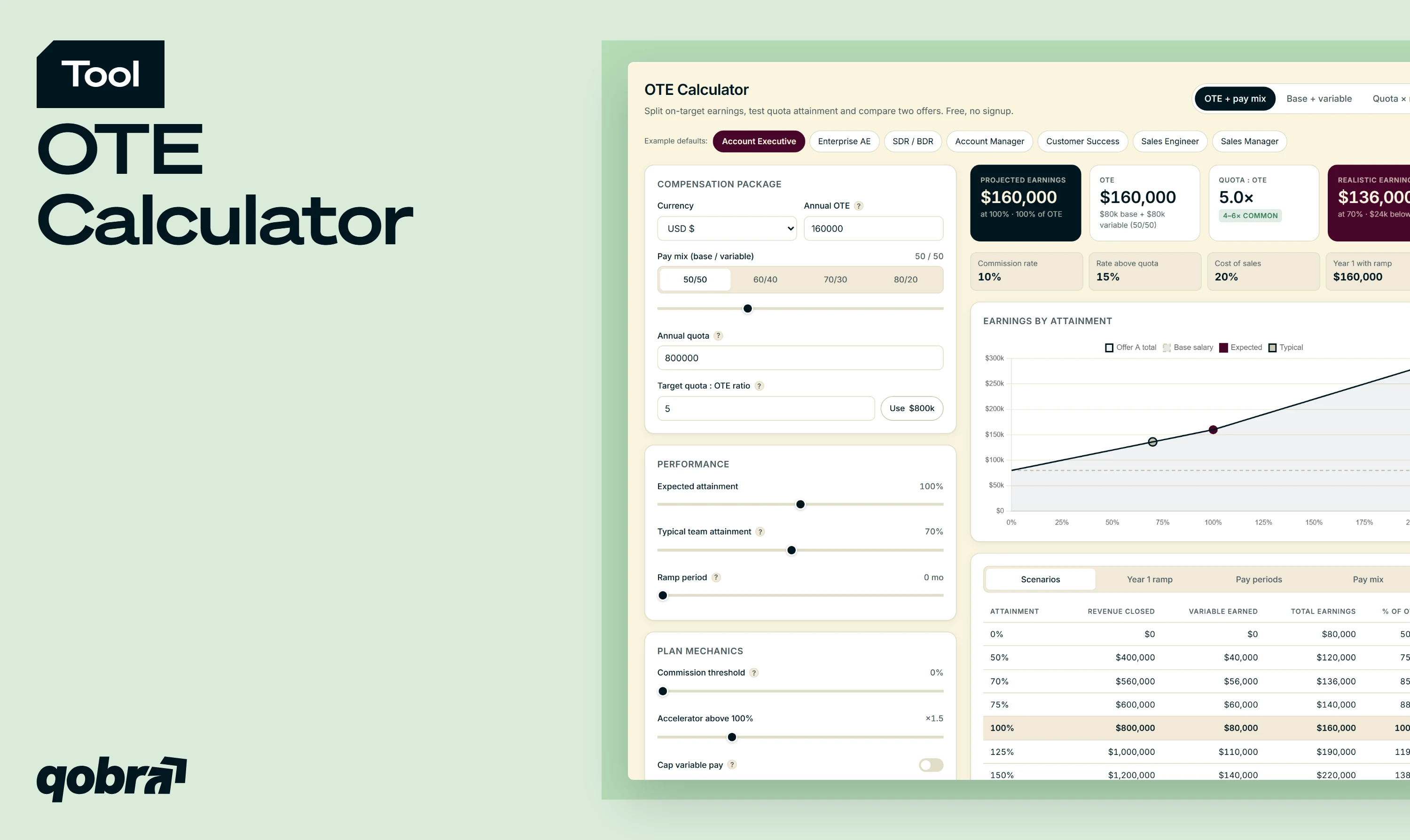
Choose the template that matches the decision in front of you. For a SaaS or scale-up team that wants a ready-made plan, start with the tech templates. To compare flat rate, tiered and multiplier structures, use the 10 plan templates. To put the rules in writing for your reps, use the agreement template. Then check the plan against your sales cycle, your pricing model and the balance between base salary and variable pay, which the OTE calculator shows.
To decide which commission sheet template best fits your business, consider a few important factors. Think about the length of your sales cycle and your pricing model. Look at the mix of services and products you sell. Review the current sales performance and progress of your reps. Finally, decide how you want to balance base salary with variable commissions. A strong template gives you a clear description of how commission earned is calculated based on revenue, profit, or other metrics.
A template is an editable spreadsheet that holds a whole commission plan: reps, quotas, rates and payouts. A calculator answers one question from a few inputs and shows the result at once, such as what an OTE package pays or what a deal earns. Use a template to run a plan, and a calculator to test a decision before it goes into the plan. Qobra's calculators are free and run on the page, with no file to maintain.
After you download a commission template, start by filling in the pink cells with each rep's name, quota, base salary, and commission rate. Everything else calculates automatically. From there, edit rates and rules to match your plan, then run different attainment scenarios to understand the cost impact before rollout. Once the numbers look right, export as PDF or share the Google Sheets link directly with your team.
Many teams face issues when using manual commission templates. They sometimes create overly complex commission structures that reps do not understand. They may also suffer from lack of accuracy leading to wrong commission earned. Other frequent problems include forgetting to update payment method or bonuses, and having a poor process for reviewing progress and total sales. Taking time to review your template regularly helps maintain fairness and support a strong performance-driven culture.
Commission templates are an excellent starting point. They help you create, test, and refine your compensation approach, and give you real examples of how to structure a plan around revenue, profit, and sales team goals. As your company grows, manual sheets create new challenges. Data accuracy becomes harder to maintain. Version conflicts appear. And too much time is spent on calculations that could run automatically. Qobra is the natural next step. You can import logic from these commission templates into the platform, automate calculations, and give reps real-time visibility into their earnings. Finance gets a full audit trail. The sales team gets transparency. And your team saves hours every month that were previously spent on reconciliation.



.webp)


