Webinar: The Biggest Release Sales Comp Has Ever Seen. Come See For Yourself (Wednesday, October 7)
Register
- Compare 10 leading financial management platforms—from QuickBooks to NetSuite
- Quick-reference comparison table with pricing, ratings, and best-use cases
- 7-step decision framework to match your business needs
- Expert insights on avoiding common implementation pitfalls
- Transparent pricing breakdown (software + hidden costs)
Modern CFOs face mounting pressure: scattered financial data across multiple systems, manual workflows eating up hours each week, and boards demanding real-time insights. According to IBM's CFO Study, 65% of finance leaders struggle to demonstrate clear ROI from their technology investments—often because their financial systems can't keep pace with business growth.
The right financial management software transforms this challenge into competitive advantage. Whether you're a startup founder managing your first budget or an enterprise CFO consolidating multi-entity financials, choosing the right platform determines whether your finance team spends time on data entry or strategic analysis.
This guide cuts through the noise. We've evaluated 25+ platforms to bring you the 10 best financial management software solutions for the US market in 2026—segmented by company size, use case, and industry specialization.
Financial Management Software Comparison at a Glance
| Software | Best For | Starting Price | Key Strength | G2 Rating |
|---|---|---|---|---|
|
Qobra
Featured
|
Sales-driven SaaS companies | Custom | Commission & incentive automation | |
|
Cube
|
Mid-market FP&A teams | $30,000/year | Spreadsheet-native planning | |
|
Prophix One
|
Enterprise CFOs | Custom | End-to-end financial performance | |
|
QuickBooks
|
Small businesses | $30/month | User-friendly accounting | |
|
NetSuite
|
Multi-entity enterprises | Custom | Complete cloud ERP | |
|
Sage Intacct
|
Nonprofits & mid-market | Custom | Multi-entity accounting | |
|
Xero
|
SMBs & startups | $20/month | Simple cloud accounting | |
|
Workday
|
Large enterprises | Custom | Finance + HR unified | |
|
Anaplan
|
Complex planning needs | Custom | Connected planning platform | |
|
FreshBooks
|
Freelancers & micro-businesses | $19/month | Invoicing-focused |
← Swipe to see more →
What is Financial Management Software?
Financial management software is a digital platform that helps organizations track, analyze, and manage their financial operations. Core capabilities include budgeting, forecasting, expense tracking, financial reporting, cash flow management, and compliance automation. Modern solutions integrate with ERPs, CRMs, and data warehouses to provide real-time financial visibility and support data-driven decision-making.
Key features typically include:
- Financial planning & budgeting
- Real-time reporting & analytics
- Expense & cash flow management
- Multi-entity consolidation
- Compliance & audit trails
- Automated workflows
The right financial management software eliminates manual spreadsheet work, reduces errors, and transforms finance from a cost center into a strategic business partner.
The 10 Best Financial Management Software Solutions
We evaluated these platforms based on functionality, ease of use, integration capabilities, pricing transparency, and customer satisfaction. Each solution excels in specific use cases—from commission management for sales-driven organizations to full-suite ERP for global enterprises.
1. Qobra — Best Financial Management Software for Sales Performance & Commission Management
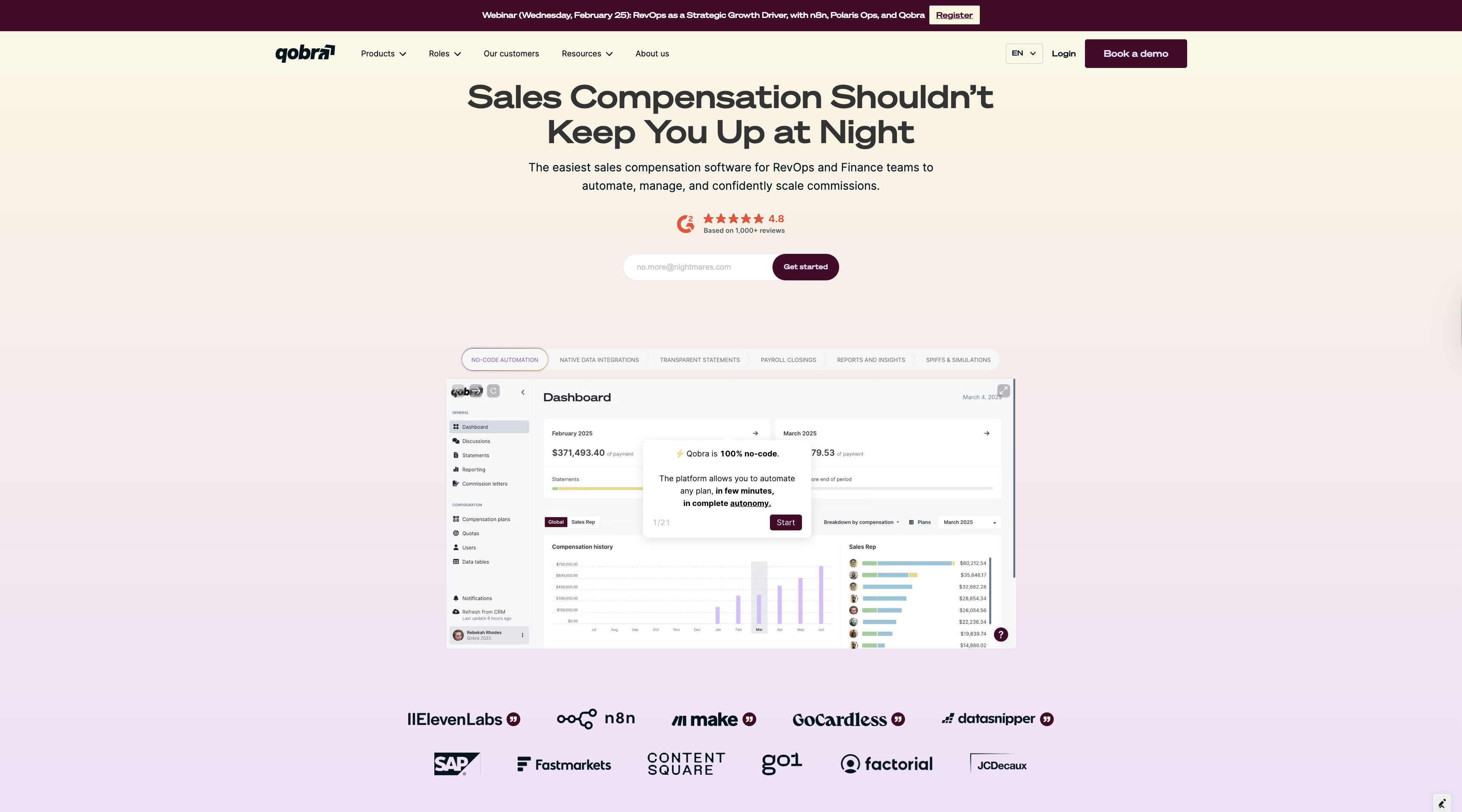
The unique positioning: While most financial management platforms treat commissions as an afterthought, Qobra purpose-builds for the intersection of sales operations and finance. If your business struggles with manual commission calculations, sales team disputes, or ASC 606 compliance challenges, Qobra turns commission management from a monthly headache into a strategic advantage. And with AI, that control becomes conversational: build a plan or a view from a single natural-language sentence, let reps understand their pay through the "Explain my comp" assistant, and query your commission data in plain language.
Overview
Qobra is the only platform on this list purpose-built for commission management software. Designed specifically for SaaS companies managing complex commission structures, Qobra bridges the gap between sales operations and financial planning. The platform automates real-time incentive calculations while maintaining tight integration with financial systems for accrual management and compliance.
Unlike traditional financial management tools that bolt commission tracking onto existing accounting modules, Qobra starts with the unique challenges of sales compensation—multi-tier structures, accelerators, SPIFFs, clawbacks, and variable attainment thresholds—then connects those operations seamlessly to your financial close process.
Key Features
Automated Commission Calculation
Qobra syncs in real-time with CRMs like Salesforce and HubSpot to automatically calculate commissions based on closed deals, quota attainment, and custom comp plan logic. The platform handles complex structures including tiered rates, accelerators, decelerators, team splits, and SPIFFs—all without Excel formulas or manual adjustments.
Sales Performance Analytics
Built-in dashboards give reps instant visibility into their earnings, attainment progress, and pipeline impact on future commissions. Finance teams get aggregated views for sales performance management, commission forecasting, and variance analysis against budget.
Financial Integration & Compliance
Qobra integrates natively with ERPs like NetSuite and Sage Intacct to automate commission accruals and ensure ASC 606 compliance. The platform calculates commission expense by period, handles multi-currency transactions, and maintains complete audit trails for external reviews.
Governance & Transparency
Self-service rep portals reduce commission inquiries by 80% on average. Automated dispute resolution workflows flag discrepancies, route approvals, and maintain version history. Every calculation is traceable, making commission statements audit-ready by default.
Ideal For
- SaaS companies with 50+ sales reps
- Organizations with complex, multi-tier commission structures
- Finance teams managing commission accruals & ASC 606 compliance
- Sales ops leaders optimizing comp plan ROI
- Businesses transitioning from Excel to automated commission management
Pricing
Custom pricing based on user count, deal volume, and implementation complexity. Typical mid-market deployment: $30,000-$80,000/year. Includes unlimited plan changes, dedicated onboarding, and ongoing support.
Pros & Cons
Pros:
- Purpose-built for commission management (not a bolted-on feature)
- Eliminates Excel errors in commission calculations
- Improves sales/finance alignment through shared source of truth
- Strong ROI through comp plan optimization and reduced disputes
- Native integrations with popular CRMs and ERPs
Cons:
- Not a full-suite financial management platform (best paired with ERP/accounting software)
- Implementation requires documented comp plan logic
- Primarily focused on sales incentives (not AP/AR workflows)
G2 Rating: 4.8/5
Bottom Line:
If commission management is a strategic priority—whether you're scaling a sales team, managing complex comp plans, or ensuring compliance—Qobra is the category leader. It's the only solution that treats commission management as a financial discipline rather than an operational afterthought. See how Qobra works or explore customer success stories from companies like Make, GoCardless, and DataSnipper.
2. Cube — Best for Spreadsheet-Native Financial Planning
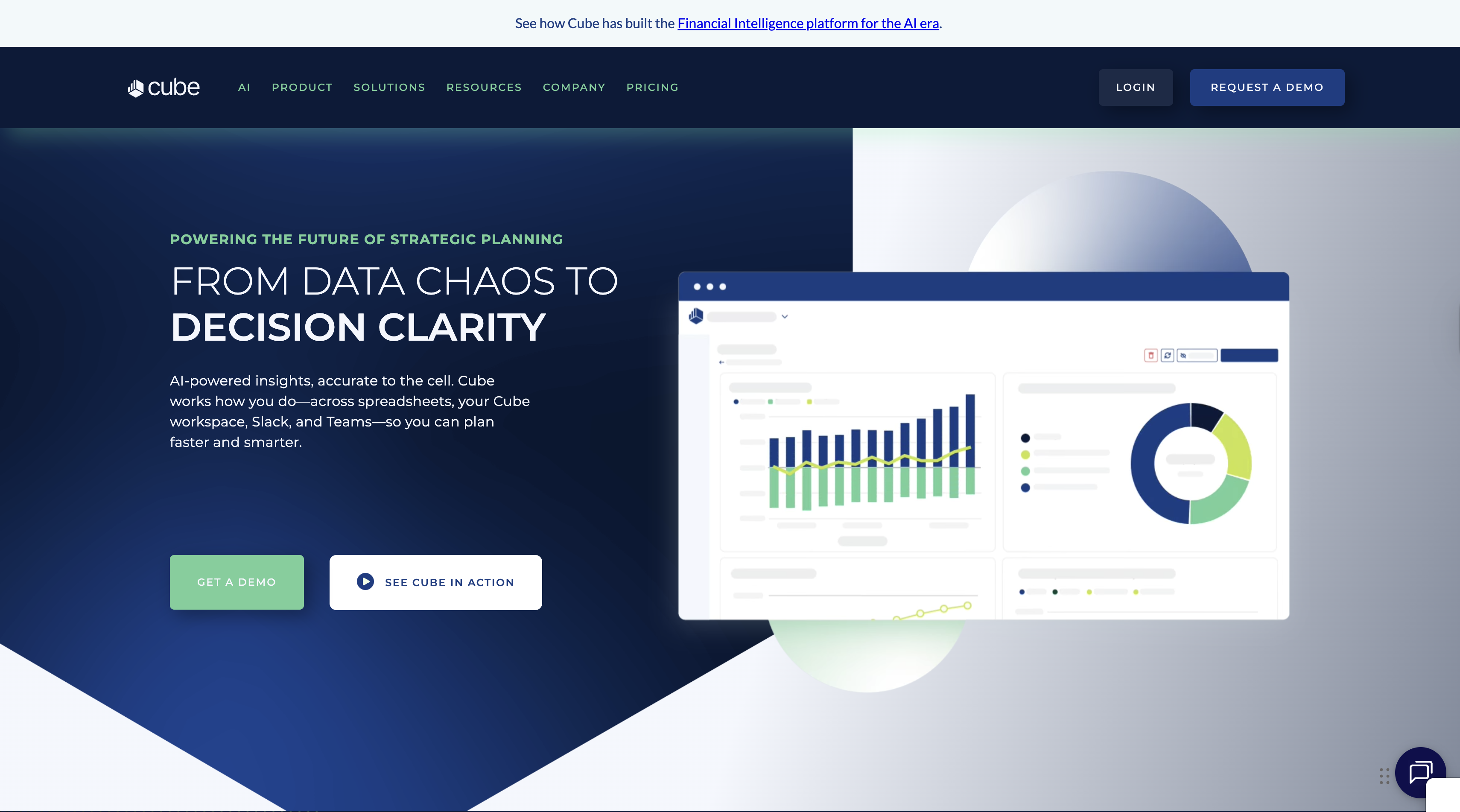
The unique positioning: Cube meets finance teams where they already work—inside Excel and Google Sheets—while adding enterprise-grade automation, version control, and collaboration capabilities.
Overview
Cube is FP&A software designed for mid-market companies that love their spreadsheets but hate the manual work. Rather than forcing finance teams to abandon Excel for a proprietary planning interface, Cube layers automation, data connectivity, and workflow management directly into familiar spreadsheet environments.
The platform automatically syncs data from your ERP, CRM, and HRIS into Excel models, eliminating copy-paste errors and ensuring everyone works from a single source of truth. Finance teams keep their custom formulas and familiar layouts while gaining features like automated consolidation, version control, and real-time collaboration.
Key Features
Spreadsheet-Native Interface
Work directly in Excel or Google Sheets using your existing models. Cube adds formulas that pull live data from connected systems, so budgets and forecasts update automatically as actuals change.
Automated Data Consolidation
Connect to 100+ data sources including QuickBooks, NetSuite, Salesforce, and Workday. Cube handles data transformation, multi-entity roll-ups, and currency conversion in the background.
FP&A Workflows
Pre-built templates for budgeting, forecasting, variance analysis, and scenario modeling. Workflows support multi-department collaboration with version control and approval routing.
Real-Time Reporting
Create board-ready dashboards that update automatically. Drill down from high-level KPIs into transaction-level detail without leaving your spreadsheet.
Ideal For
- Mid-market companies (50-500 employees) with spreadsheet-dependent finance teams
- CFOs upgrading from Excel without forcing wholesale process changes
- Organizations needing enterprise features (version control, audit trails) in a familiar interface
- Teams managing multiple entities, currencies, or business units
Pricing
Starting at $30,000/year for small to mid-sized implementations. Enterprise pricing available for organizations with complex consolidation needs.
Pros & Cons
Pros:
- Minimal learning curve for Excel-fluent teams
- Preserves existing financial models and institutional knowledge
- Strong integration ecosystem (100+ connectors)
- Excellent support and onboarding
Cons:
- Still requires spreadsheet maintenance and formula management
- Not ideal for teams seeking to move away from Excel entirely
- Limited native mobile functionality
G2 Rating: 4.6/5
Bottom Line:
Cube strikes the perfect balance for mid-market finance teams: enterprise-grade automation without abandoning the spreadsheets they already trust. If your team lives in Excel but drowns in manual data updates, Cube delivers immediate ROI.
3. Prophix One — Best for End-to-End Financial Performance Management
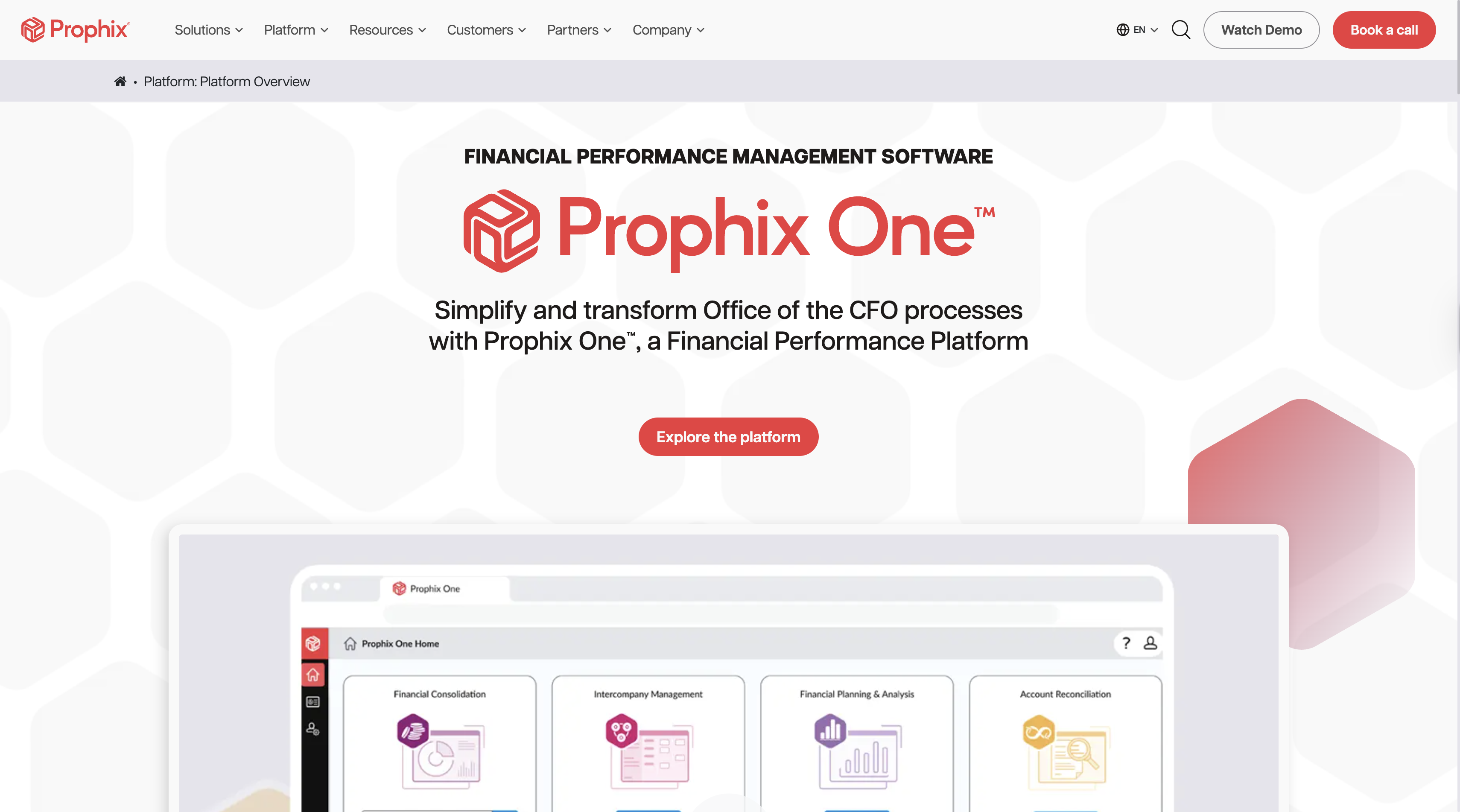
The unique positioning: Prophix One provides enterprise CFOs with a unified platform for budgeting, forecasting, financial close, reporting, and consolidation—eliminating the need to cobble together multiple point solutions.
Overview
Prophix One is an enterprise performance management (EPM) platform purpose-built for CFOs managing complex financial operations. The platform supports the full spectrum of financial processes from long-range strategic planning to daily operational reporting, all within a single cloud-based environment.
Designed for mid-market to enterprise organizations, Prophix emphasizes speed, flexibility, and compliance. Finance teams can model multiple scenarios, automate consolidation across entities, and deliver board-ready reports without relying on IT for every change.
Key Features
Comprehensive Financial Planning
Multi-year strategic planning, annual budgeting, rolling forecasts, and driver-based modeling. Built-in workflow management routes assumptions for department input and executive approval.
Financial Close & Consolidation
Automated intercompany eliminations, currency translation, and multi-GAAP reporting. The platform supports both legal and management reporting structures simultaneously.
Advanced Reporting & Analytics
Self-service report designer with drag-and-drop functionality. Embed reports in PowerPoint, Excel, or web dashboards. AI-powered variance analysis highlights outliers automatically.
Regulatory Compliance
Built-in controls for SOX, IFRS, and GAAP compliance. Complete audit trails track every assumption change, calculation, and approval.
Ideal For
- Enterprise CFOs managing multi-entity consolidations
- Organizations with complex reporting requirements (multiple GAAPs, currencies, legal structures)
- Finance teams seeking to unify fragmented planning and reporting systems
- Companies prioritizing compliance and audit readiness
Pricing
Custom pricing based on entity count, user licenses, and implementation scope. Enterprise deployments typically range from $100,000-$300,000+ annually.
Pros & Cons
Pros:
- Comprehensive platform reduces tool sprawl
- Strong compliance and audit features
- Flexible workflow and approval routing
- Excellent scenario modeling capabilities
Cons:
- Steeper learning curve than simpler platforms
- Implementation can take 3-6 months for complex organizations
- Pricing may be prohibitive for smaller companies
G2 Rating: 4.4/5
Bottom Line:
Prophix One is the Swiss Army knife of enterprise financial management—comprehensive, powerful, and built for CFOs who refuse to compromise on functionality. If you're juggling multiple planning tools or struggling with manual consolidations, Prophix delivers transformational efficiency.
4. QuickBooks — Best All-in-One Accounting for Small Businesses
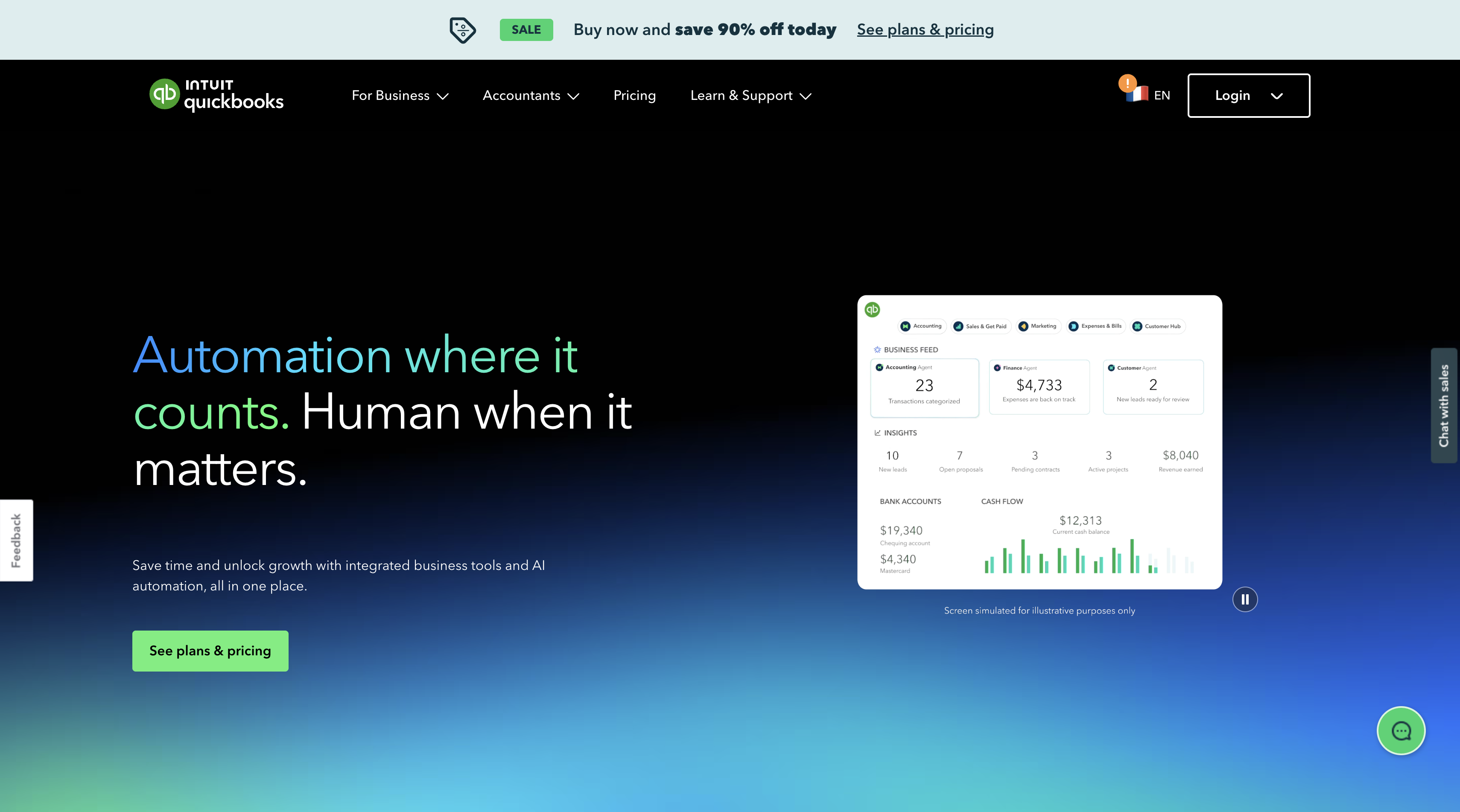
The unique positioning: QuickBooks remains the gold standard for small business accounting—balancing comprehensive features with genuine ease of use and an affordable price point.
Overview
QuickBooks Online is the market leader in small business accounting software, trusted by millions of businesses worldwide. The platform covers core accounting workflows including invoicing, expense tracking, bank reconciliation, payroll, and financial reporting—all accessible through a web browser or mobile app.
What sets QuickBooks apart is its careful balance of power and simplicity. The interface guides new users through setup without oversimplifying features that growing businesses need. The platform also boasts the largest ecosystem of accountant partnerships, third-party integrations, and community support.
Key Features
Core Accounting
Automated bank feeds, invoice creation, bill payment, and general ledger management. QuickBooks handles sales tax calculations, mileage tracking, and inventory management for product-based businesses.
Financial Reporting
Pre-built reports for P&L, balance sheet, cash flow, and A/R aging. Customize reports or use templates for specific industries (retail, construction, professional services).
Payroll Integration
Optional add-on for full-service payroll processing including tax filing, direct deposit, and compliance tracking.
App Marketplace
700+ integrations including payment processors, e-commerce platforms, CRMs, and industry-specific tools.
Ideal For
- Small businesses (1-25 employees) with straightforward accounting needs
- Sole proprietors, freelancers, and early-stage startups
- Companies prioritizing ease of use over advanced planning features
- Businesses working with QuickBooks-certified accountants
Pricing
Four tiers ranging from $30-$200/month:
- Simple Start ($30/month): Basic invoicing and expense tracking
- Essentials ($60/month): Adds bill management and multi-user access
- Plus ($90/month): Adds inventory and project tracking
- Advanced ($200/month): Adds dedicated support and advanced reporting
All plans include 30-day free trial.
Pros & Cons
Pros:
- Industry-leading ease of use
- Massive ecosystem of integrations and accountant partnerships
- Excellent mobile app
- Regular feature updates and improvements
Cons:
- Limited multi-entity consolidation
- Advanced reporting requires higher-tier plans
- Can become expensive as business scales
- Less suitable for manufacturing or complex inventory
G2 Rating: 4.4/5
Bottom Line:
QuickBooks delivers exactly what small businesses need: robust accounting features without enterprise complexity or pricing. If you're running a small business and want software that just works, QuickBooks is the safe bet.
5. Oracle NetSuite — Best Cloud ERP for Complex Organizations
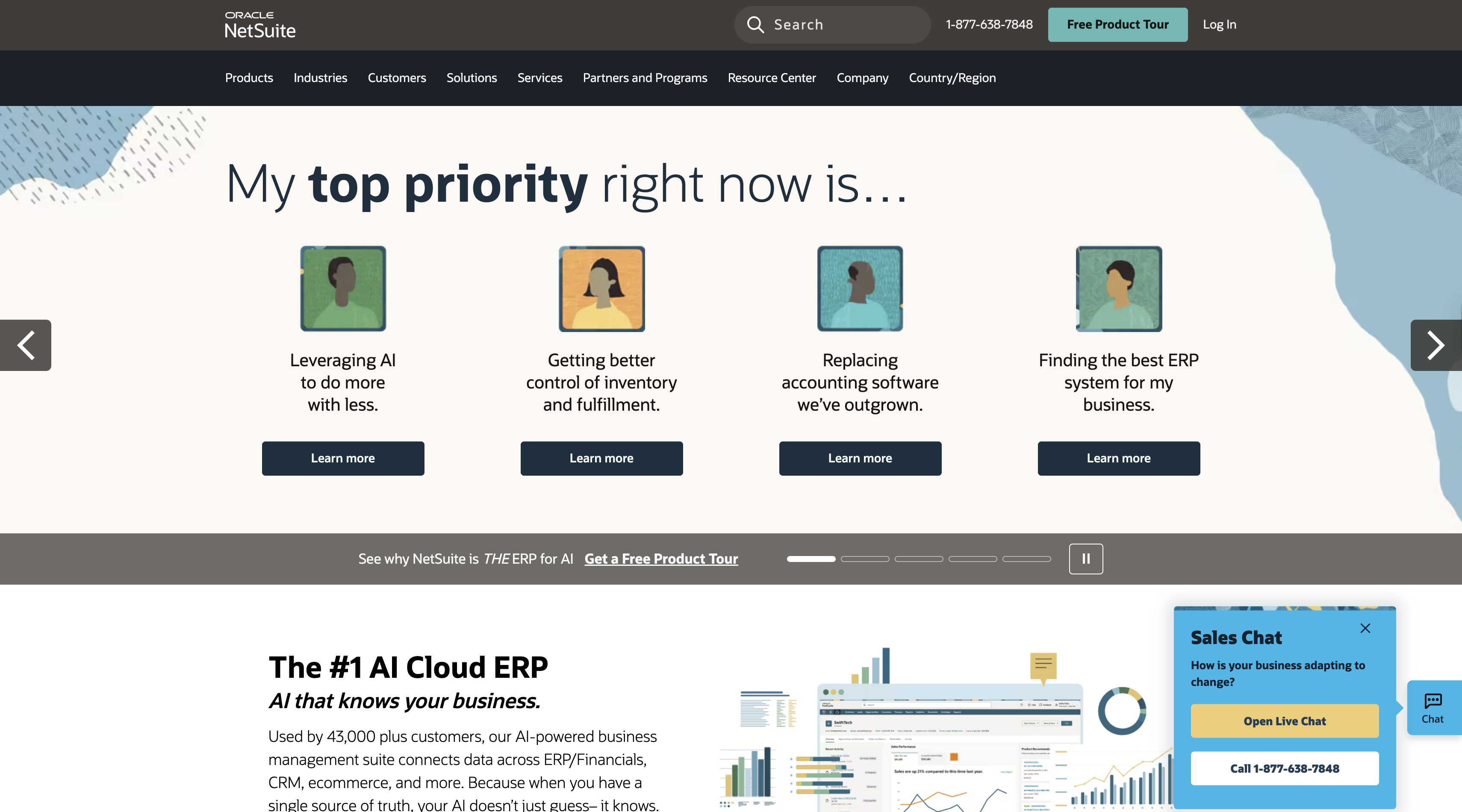
The unique positioning: NetSuite provides the only true cloud-native ERP that scales from mid-sized companies to global enterprises—with finance, inventory, CRM, and e-commerce unified in a single platform.
Overview
Oracle NetSuite is a comprehensive cloud ERP system that extends far beyond financial management. While the financial module provides world-class accounting, reporting, and consolidation capabilities, NetSuite's true strength lies in unifying finance with operations—inventory management, order fulfillment, CRM, and e-commerce—in a single database.
This unified architecture eliminates the data silos that plague companies using best-of-breed point solutions. When a sale closes in the CRM, inventory automatically adjusts, revenue recognition triggers, and financial forecasts update in real-time.
Key Features
Global Financial Management
Multi-book accounting supports multiple GAAPs, currencies, and legal entities simultaneously. Automated intercompany eliminations and real-time consolidation across the organization.
Revenue Recognition
Native ASC 606 and IFRS 15 compliance with automated contract management, subscription billing, and complex revenue allocation rules.
Advanced Reporting
Customizable dashboards, saved searches, and financial reports with drill-down to transaction detail. Role-based dashboards ensure each user sees relevant KPIs.
Unified Business Management
Beyond finance, NetSuite includes inventory management, order management, CRM, e-commerce, and manufacturing modules—all optional but deeply integrated.
Ideal For
- Mid-market to enterprise companies with global operations
- Organizations requiring multi-entity, multi-currency consolidation
- Businesses seeking to unify finance and operations in one system
- Companies with complex revenue recognition requirements (SaaS, subscriptions, multi-element arrangements)
Pricing
Custom pricing based on modules, user licenses, and transaction volume. Mid-market implementations typically start at $100,000/year; enterprise deployments can exceed $500,000 annually.
Pros & Cons
Pros:
- True cloud-native architecture (no on-premise legacy code)
- Unified platform eliminates integration headaches
- Scales from mid-market to large enterprise
- Strong SuiteApps ecosystem for industry-specific needs
Cons:
- Significant upfront investment and implementation time (4-12 months)
- Requires dedicated NetSuite administrator
- Customization can be complex
- Annual price increases common in renewals
G2 Rating: 4.1/5
Bottom Line:
NetSuite is the Cadillac of cloud ERP—comprehensive, scalable, and battle-tested by thousands of growing companies. If you're outgrowing QuickBooks and need enterprise capabilities without the baggage of legacy on-premise systems, NetSuite is worth the investment.
6. Sage Intacct — Best for Nonprofits & Multi-Entity Accounting
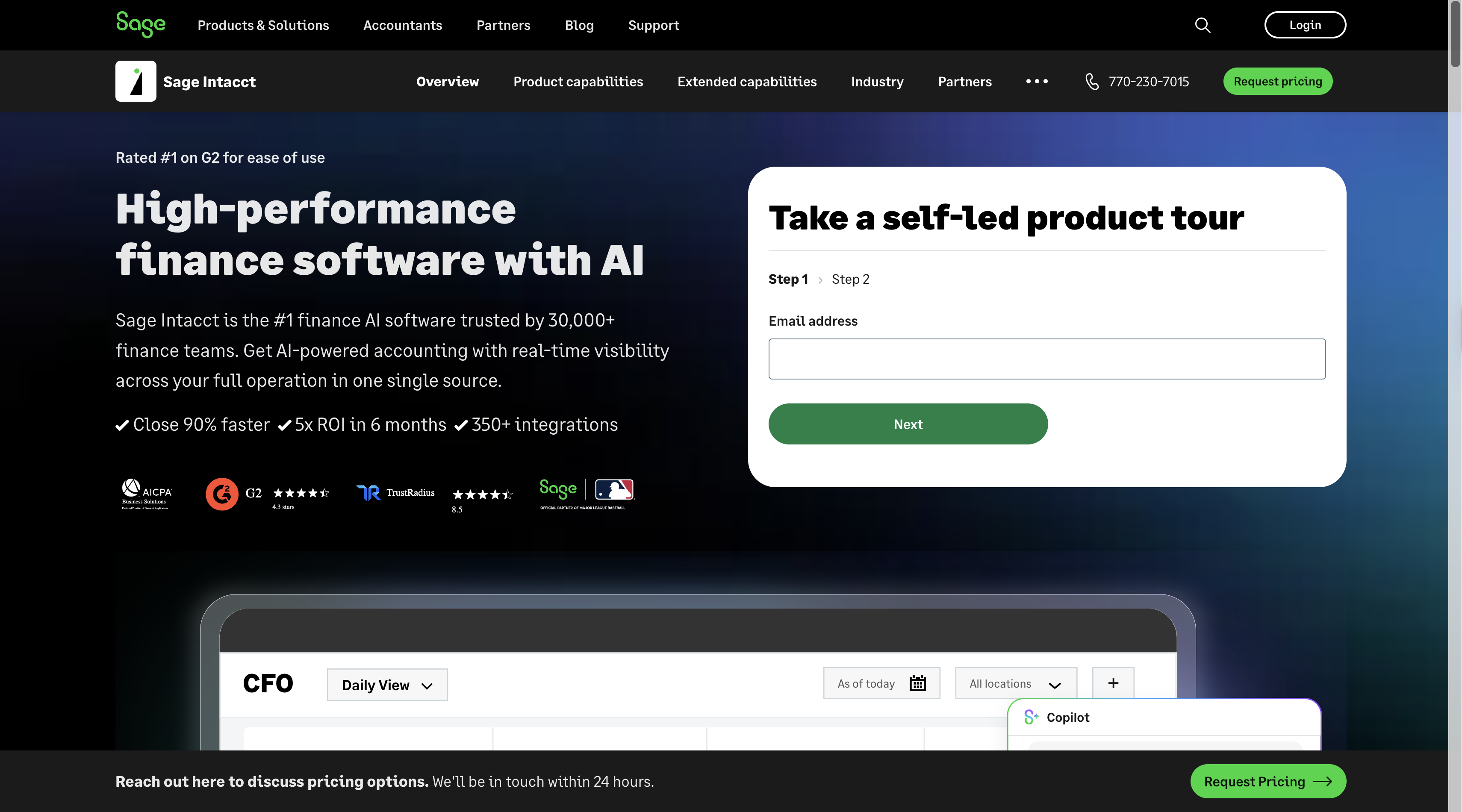
The unique positioning: Sage Intacct delivers enterprise-grade financial management built specifically for organizations managing multiple entities, funds, or business units—with pricing and complexity suited to mid-market companies.
Overview
Sage Intacct is a cloud-based financial management and accounting platform recognized by AICPA as the preferred provider for financial applications. The platform excels at dimensional accounting—the ability to track financials across multiple dimensions (department, location, project, grant, fund) without creating separate chart of accounts for each.
This dimensional approach makes Sage Intacct particularly popular with nonprofits, franchise organizations, healthcare providers, and professional services firms that need detailed segmented reporting without sacrificing consolidation efficiency.
Key Features
Dimensional General Ledger
Track transactions across unlimited dimensions (location, department, project, class, customer) with automatic consolidation. Report by any dimension or combination without restructuring your chart of accounts.
Multi-Entity Management
Consolidated reporting across entities with automated intercompany eliminations. Support for multiple GAAPs, currencies, and fiscal calendars.
Industry-Specific Functionality
Purpose-built modules for nonprofits (grant tracking, fund accounting), professional services (project accounting, time & expense), and franchises (royalty management).
Automated Workflows
Configurable approval routing for requisitions, expenses, and journal entries. Automated period close checklists ensure nothing falls through the cracks.
Ideal For
- Nonprofits managing multiple grants, funds, or programs
- Multi-location businesses (franchises, retail chains, healthcare practices)
- Professional services firms tracking project profitability
- Mid-market companies with complex segmented reporting needs
Pricing
Custom pricing based on entity count, user licenses, and modules required. Mid-market implementations typically range from $50,000-$150,000/year.
Pros & Cons
Pros:
- Dimensional accounting eliminates entity/segment complexity
- Strong nonprofit and professional services capabilities
- Excellent audit trail and compliance features
- More affordable than enterprise ERP platforms
Cons:
- Steeper learning curve than simpler accounting tools
- Limited native inventory management (requires add-ons)
- Implementation can take 2-4 months
G2 Rating: 4.3/5
Bottom Line:
Sage Intacct is the sweet spot for mid-market organizations with complexity that exceeds QuickBooks but budgets that preclude NetSuite. If you're managing multiple entities, grants, or projects, the dimensional accounting approach will transform your reporting.
7. Xero — Best Simple Cloud Accounting for Growing Businesses
The unique positioning: Xero delivers beautiful, intuitive accounting software that prioritizes user experience without sacrificing the core features growing businesses need.
Overview
Xero is a cloud-based accounting platform built for small to medium-sized businesses that want modern software without the learning curve of enterprise tools. The platform emphasizes clean design, mobile accessibility, and seamless bank reconciliation—making daily accounting tasks genuinely pleasant rather than painful.
While Xero lacks some advanced features found in QuickBooks or NetSuite, it excels at the fundamentals: invoicing, expense tracking, bank feeds, and financial reporting. The platform's strength lies in doing core accounting exceptionally well rather than attempting to be all things to all businesses.
Key Features
Automated Bank Reconciliation
Smart matching suggests likely transaction pairs, making bank rec fast and accurate. Bank feeds update daily, keeping your books current with minimal effort.
Invoice & Payment Processing
Create professional invoices, accept online payments, and automatically send payment reminders. Track invoice status in real-time.
Expense Management
Snap receipt photos on mobile, automatically extract transaction details, and categorize expenses. Supports mileage tracking and per diem calculations.
Real-Time Collaboration
Unlimited users on all plans. Share access with accountants and advisors without file exchanges or version conflicts.
Ideal For
- Small businesses (1-50 employees) with straightforward accounting needs
- Startups prioritizing ease of use and mobile accessibility
- Companies working with Xero-certified bookkeepers
- Businesses seeking QuickBooks alternatives with better UX
Pricing
Three tiers ranging from $20-$70/month:
- Early ($20/month): 20 invoices, 5 bills, bank reconciliation
- Growing ($40/month): Unlimited invoices/bills, multi-currency
- Established ($70/month): Adds expense claims and project tracking
All plans include unlimited users and 30-day free trial.
Pros & Cons
Pros:
- Exceptional user experience and interface design
- Unlimited users on all plans
- Strong mobile app
- Affordable pricing with transparent feature sets
Cons:
- Limited industry-specific features
- Less robust inventory management than QuickBooks
- Smaller integration ecosystem than market leaders
- No built-in payroll (requires add-on)
G2 Rating: 4.5/5
Bottom Line:
Xero proves that accounting software doesn't have to be ugly or complicated. If you prioritize clean design, mobile-first workflows, and genuine ease of use, Xero delivers exceptional value for growing businesses.
8. Workday Financial Management — Best for Unified Finance & HR
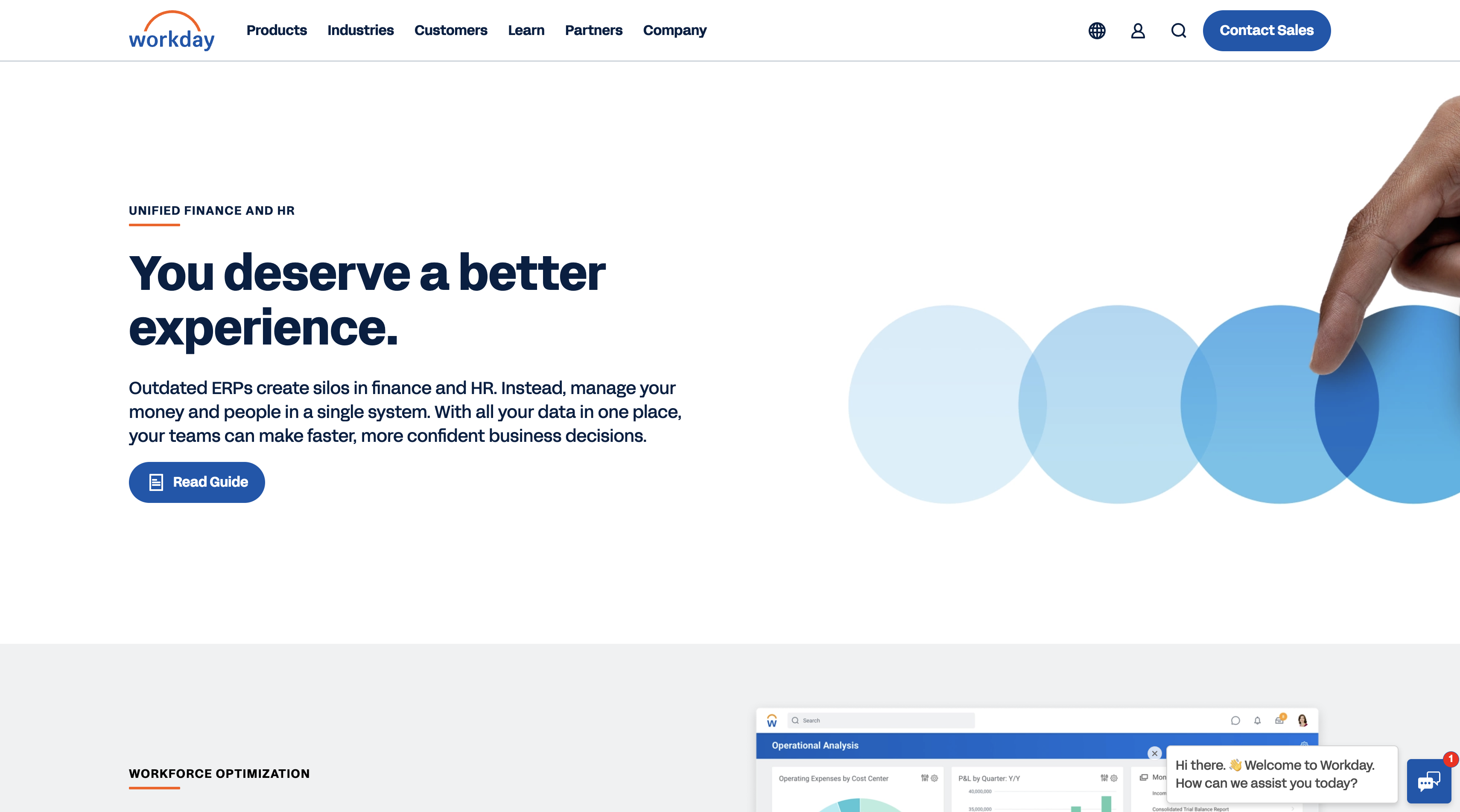
The unique positioning: Workday is the only platform that deeply integrates financial management with HCM (human capital management), creating a single source of truth for both financial and workforce planning.
Overview
Workday Financial Management is an enterprise-grade cloud platform that unifies finance and HR data in a single system. While most companies treat finance and HR as separate domains, Workday recognizes that the largest expense on most P&Ls is people—making workforce planning inseparable from financial planning.
The platform supports complex multi-national operations with capabilities for consolidation, compliance, procurement, projects, and analytics. But its true differentiator is the seamless flow between financial budgets and workforce plans—enabling scenario modeling that accounts for both operational costs and headcount impacts.
Key Features
Unified Financial & Workforce Planning
Model budgets that automatically reflect headcount assumptions from workforce planning. When HR plans a new hire, the financial impact flows automatically into budget forecasts.
Global Financial Management
Multi-book accounting, automated consolidation, intercompany eliminations, and support for 180+ countries' compliance requirements.
Spend Management
Procure-to-pay workflows, supplier management, expense reporting, and contract lifecycle management integrated with financial systems.
Real-Time Analytics
Embedded analytics provide instant access to financial and operational KPIs. Custom dashboards surface insights without requiring separate BI tools.
Ideal For
- Large enterprises (1,000+ employees) with complex global operations
- Organizations seeking to unify finance and HR systems
- Companies prioritizing workforce planning as core to financial strategy
- Businesses replacing legacy ERP and HRIS simultaneously
Pricing
Custom pricing based on modules, user licenses, and implementation scope. Large enterprise deployments typically exceed $200,000/year.
Pros & Cons
Pros:
- Deep finance/HR integration unique in the market
- Strong global compliance and multi-entity capabilities
- Modern cloud-native architecture
- Regular feature updates (twice yearly)
Cons:
- Enterprise pricing limits accessibility for smaller companies
- Complex implementation (6-18 months typical)
- Requires organizational change management
- Best value realized when implementing both finance and HCM modules
G2 Rating: 4.3/5
Bottom Line:
Workday represents the future of enterprise management: unified systems that reflect how businesses actually operate rather than artificial silos between finance and HR. If workforce planning drives your financial strategy, Workday's integration is unmatched.
9. Anaplan — Best for Connected Planning Across Departments
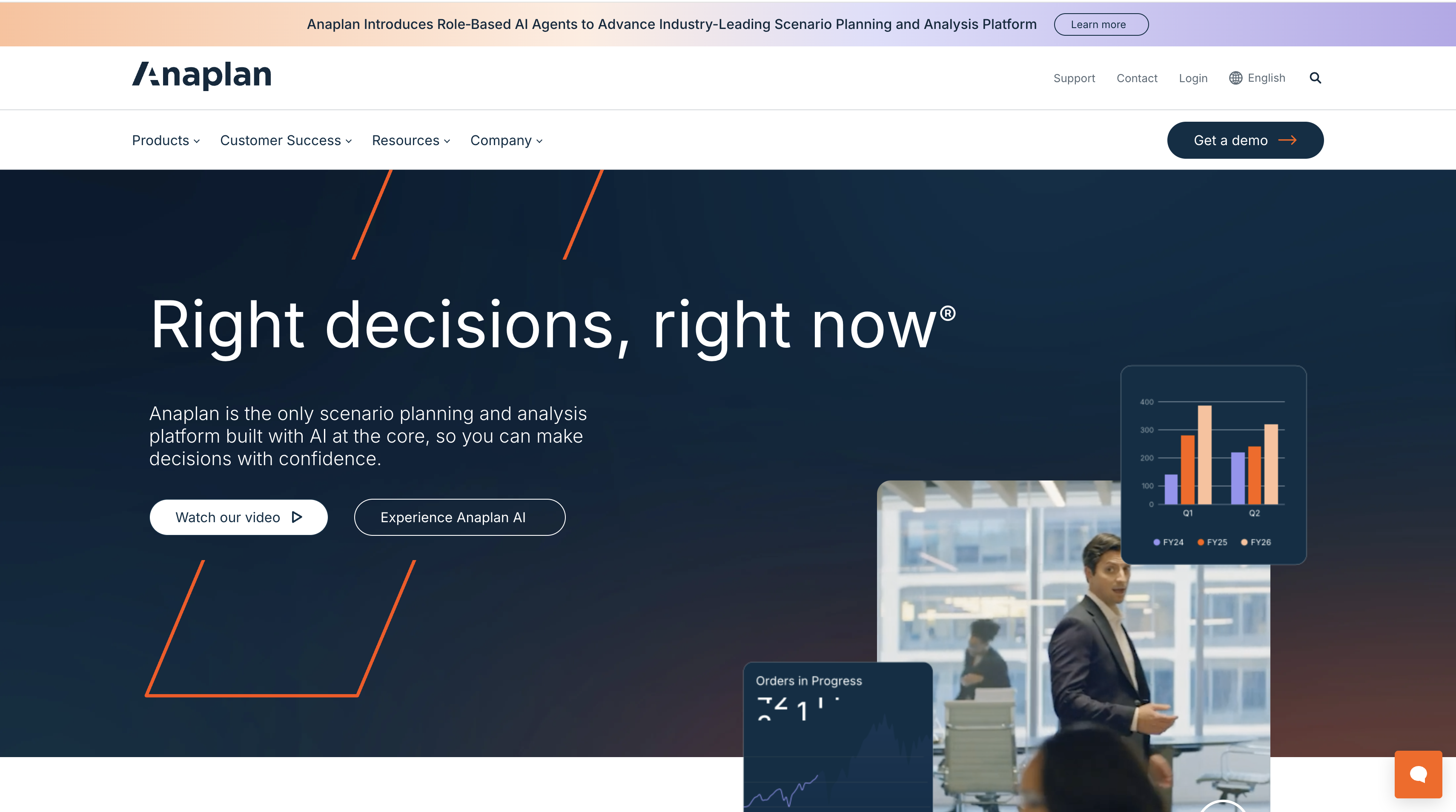
The unique positioning: Anaplan transcends traditional financial planning to connect finance, sales, supply chain, and workforce planning in a single modeling environment—enabling true enterprise-wide scenario planning.
Overview
Anaplan is a connected planning platform that allows organizations to model the entire business—not just finance—in a unified system. Rather than building separate models for financial planning, sales forecasting, supply chain optimization, and workforce planning, Anaplan connects these domains so changes in one area automatically ripple through related plans.
This connected approach solves the classic planning problem: sales forecasts a 20% growth rate, operations plans capacity for 15%, finance budgets for 18%, and HR plans headcount for 22%—all using different assumptions in disconnected spreadsheets. Anaplan ensures everyone works from the same baseline and sees the cross-functional impacts of decisions.
Key Features
Hyperblock Technology
Proprietary calculation engine handles billions of cells and complex formulas in real-time, enabling enterprise-scale models that recalculate instantly.
Connected Planning
Link financial plans to operational drivers: sales quotas drive revenue, production schedules drive COGS, headcount plans drive OpEx. Model the entire business, not just finance.
Scenario Management
Create unlimited what-if scenarios. Compare side-by-side to evaluate strategic options (expansion scenarios, M&A impacts, economic downturns).
Integration Ecosystem
Pre-built connectors for major ERPs, CRMs, HRIS, and data warehouses. API access for custom integrations.
Ideal For
- Large enterprises (500+ employees) with complex cross-functional planning needs
- Organizations struggling with disconnected departmental plans
- Companies seeking to move beyond Excel for strategic planning
- Businesses requiring sophisticated scenario modeling and sensitivity analysis
Pricing
Custom pricing based on modules, users, and data volume. Enterprise implementations typically range from $150,000-$500,000+ annually.
Pros & Cons
Pros:
- Unmatched ability to model complex, connected business processes
- Handles enterprise-scale data volumes
- Flexible platform supports diverse use cases beyond finance
- Strong community and partner ecosystem
Cons:
- Significant learning curve requires dedicated Anaplan specialists
- Premium pricing limits mid-market accessibility
- Implementation complexity (3-12 months typical)
- Can be over-engineered for companies with simpler planning needs
G2 Rating: 4.6/5
Bottom Line:
Anaplan is planning infrastructure for the enterprise—the platform you build on when Excel breaks and siloed departmental plans create chaos. If your organization's complexity exceeds traditional FP&A tools, Anaplan's connected planning approach delivers transformational visibility.
10. FreshBooks — Best for Freelancers & Service-Based Micro-Businesses
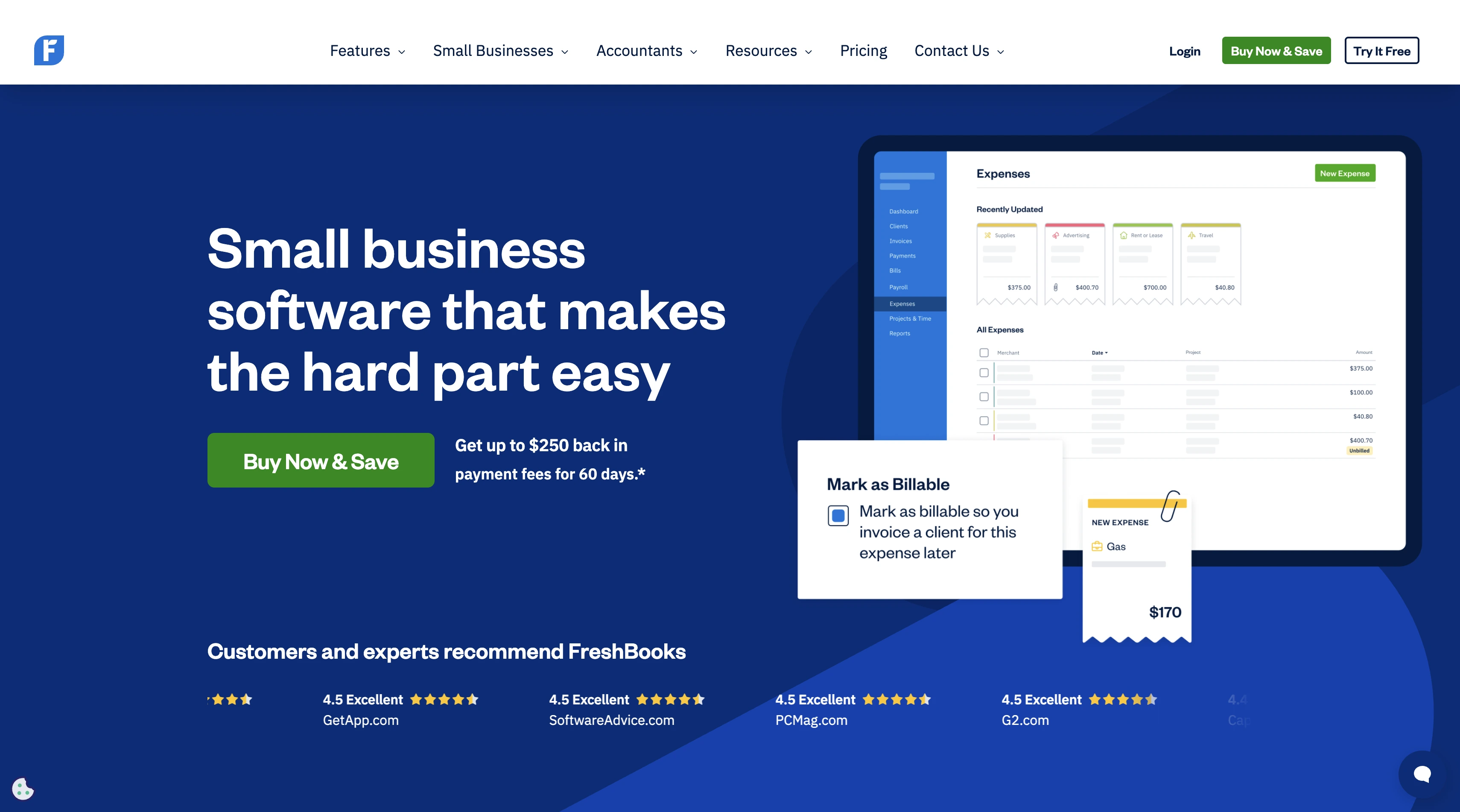
The unique positioning: FreshBooks strips away enterprise features to focus laser-sharp on what freelancers and consultants actually need: effortless invoicing, expense tracking, and time billing.
Overview
FreshBooks is accounting software designed specifically for freelancers, consultants, and service-based micro-businesses. Rather than trying to accommodate every business model, FreshBooks optimizes for the workflows of independent professionals who bill clients for time and projects.
The platform excels at client management, proposal creation, time tracking, invoicing, and payment collection—the daily tasks that consume hours for freelancers using general-purpose accounting tools. FreshBooks automates these workflows while maintaining the simplicity that non-accountants need.
Key Features
Client & Project Management
Track time by client and project, convert time entries into invoices automatically, and maintain project profitability dashboards.
Professional Invoicing
Customizable invoice templates, automated recurring billing, online payment acceptance (credit cards, ACH), and automatic late payment reminders.
Expense Tracking
Mobile receipt capture, automatic expense categorization, mileage tracking, and direct pass-through billing to clients.
Time Tracking
Built-in timer for billable hours, manual time entry, and integrations with popular time-tracking tools.
Ideal For
- Freelancers and independent consultants
- Service-based businesses (designers, developers, coaches, consultants)
- Micro-businesses (1-10 employees) with simple accounting needs
- Professionals seeking invoicing-first software rather than accounting-first
Pricing
Four tiers ranging from $19-$60/month:
- Lite ($19/month): 5 billable clients, unlimited invoices
- Plus ($33/month): 50 clients, proposals, project tracking
- Premium ($60/month): Unlimited clients, accounting dashboard
- Select (Custom): Adds dedicated support and migration assistance
All plans include 30-day free trial.
Pros & Cons
Pros:
- Exceptional ease of use for non-accountants
- Strong invoicing and payment collection features
- Excellent mobile app for on-the-go expense capture
- Affordable pricing for solo practitioners
Cons:
- Limited inventory management
- Not suitable for product-based businesses
- Less robust financial reporting than full accounting platforms
- Missing advanced features (multi-entity, multi-currency at lower tiers)
G2 Rating: 4.5/5
Bottom Line:
FreshBooks does one thing exceptionally well: helps freelancers and consultants get paid faster with less administrative friction. If you're a service professional who dreads invoicing, FreshBooks transforms the process from painful to effortless.
How to Choose the Best Financial Management Software for Your Business
Selecting financial management software isn't about finding the "best" tool—it's about finding the best fit for your specific business context. Use this framework to narrow your options systematically.
1. Assess Your Business Size & Complexity
Business size correlates strongly with software needs:
Micro-businesses (1-10 employees)
Priority: Simplicity and affordability
→ Recommended: FreshBooks, Xero, QuickBooks Simple Start
Small businesses (10-50 employees)
Priority: Core accounting plus room to grow
→ Recommended: QuickBooks Plus, Xero Growing
Mid-market (50-500 employees)
Priority: Advanced planning, multi-entity support, integrations
→ Recommended: Sage Intacct, Cube, Prophix One, NetSuite
Enterprise (500+ employees)
Priority: Global consolidation, compliance, connected planning
→ Recommended: Workday, NetSuite, Anaplan, Prophix One
2. Define Your Core Use Cases
Match software to your primary financial management challenges:
| Primary Need | Recommended Solutions |
|---|---|
| Commission management | Qobra |
| FP&A & budgeting | Cube Prophix Anaplan |
| Basic accounting | QuickBooks Xero FreshBooks |
| Multi-entity consolidation | NetSuite Sage Intacct Workday |
| Cash flow forecasting | Cube Prophix |
| Project profitability | Sage Intacct FreshBooks |
| Global compliance | NetSuite Workday Prophix |
← Swipe to see all solutions →
3. Evaluate Integration Requirements
Modern finance tech stacks typically include 5-10 connected systems. Verify compatibility with:
- ERP systems: NetSuite, SAP, Dynamics 365
- CRM platforms: Salesforce, HubSpot, Pipedrive
- HRIS: Workday, BambooHR, Rippling
- Payment processors: Stripe, Square, PayPal
- Data warehouses: Snowflake, BigQuery, Redshift
Many specialized tools (like Qobra for commission management) offer pre-built integrations with major platforms. Verify connector availability before committing.
4. Consider Total Cost of Ownership
Software licensing is only 40-60% of true cost. Factor in:
| Cost Component | Typical Range | Notes |
|---|---|---|
|
Software licensing
|
$20/month – $500,000+/year | Scales with users, entities, modules |
|
Implementation
|
10-30% of annual license | One-time professional services |
|
Training
|
$2,000 – $20,000 | Initial + ongoing for new hires |
|
Ongoing support
|
15-20% of license/year | Help desk, updates, maintenance |
|
Custom integrations
|
$10,000 – $100,000+ | One-time development |
|
Internal admin
|
0.5 – 2 FTE | Varies by platform complexity |
💡 Key Insight: Software licensing typically represents only 40-60% of the total cost of ownership. When budgeting for financial management software, multiply your annual licensing cost by 1.6x to 2.5x to estimate the true total investment over the first year.
← Swipe to see all costs →
Use tools like Qobra's ROI calculator to model total cost vs. expected efficiency gains.
5. Verify Security & Compliance
Financial data is your most sensitive asset. Ensure platforms meet:
- ✅ SOC 2 Type II certification (industry standard for data security)
- ✅ GDPR compliance (required for EU customer data)
- ✅ Role-based access controls (least privilege principle)
- ✅ Audit trails (immutable logs of all changes)
- ✅ Data encryption (at rest and in transit)
- ✅ Multi-factor authentication (MFA for all users)
Request security documentation and compliance certifications during vendor evaluation.
6. Test Scalability & Flexibility
Your needs will evolve. Evaluate:
- Can the platform grow from 50 to 500 employees without re-implementation?
- Does it support multi-entity, multi-currency as you expand internationally?
- Can you add modules (procurement, projects, inventory) incrementally?
- Does the vendor have a track record with companies at your stage?
7. Review Vendor Support & Community
Software is only as good as the support behind it:
- Response times: What's guaranteed for critical issues?
- Knowledge base: Comprehensive self-service documentation?
- User community: Active forums, user groups, annual conferences?
- Partner ecosystem: Certified consultants for implementation and ongoing support?
- Product roadmap: Regular feature updates or stagnant development?
Request customer references at your company size and industry.
Essential Features in Financial Management Software
Real-Time Financial Reporting & Dashboards
Modern CFOs demand instant visibility into financial performance. Essential capabilities include:
- Live P&L, balance sheet, and cash flow statements
- Customizable KPI dashboards by role (CFO vs. controller vs. analyst)
- Drill-down from summary to transaction detail
- Scheduled report delivery (daily/weekly/monthly)
- Export to Excel, PDF, or embedded in presentations
Automated Workflows & Approvals
Manual approval routing wastes time and introduces delays. Look for:
- Configurable approval hierarchies (amount thresholds, department rules)
- Automated notifications and escalations
- Mobile approval capabilities
- Audit trails documenting who approved what and when
- Integration with communication tools (Slack, Teams)
Multi-Currency & Multi-Entity Support
Global operations require sophisticated currency and consolidation features:
- Automatic currency conversion using real-time or fixed rates
- Multi-book accounting for different GAAPs (US GAAP, IFRS)
- Automated intercompany eliminations
- Consolidated reporting across legal entities
- Support for multiple fiscal calendars
Advanced Budgeting & Forecasting
Strategic planning demands more than static annual budgets:
- Driver-based modeling (link revenue to headcount, marketing spend, etc.)
- Rolling forecasts (continuous 12-18 month outlook)
- Scenario analysis (best case, worst case, most likely)
- Variance analysis with automated variance detection
- What-if modeling for strategic decisions
Integration Ecosystem
Financial management software must connect to your broader tech stack:
- Native integrations with major ERPs, CRMs, HRIS platforms
- API access for custom integrations
- Pre-built connectors for common use cases
- Data warehousing support (Snowflake, BigQuery)
- Middleware compatibility (Zapier, Workato)
AI-Powered Insights & Anomaly Detection
Emerging platforms leverage AI for proactive financial management:
- Automated variance analysis with natural language explanations
- Anomaly detection flagging unusual transactions
- Predictive cash flow forecasting
- Intelligent account reconciliation suggestions
- Natural language query of financial data

Frequently Asked Questions About Financial Management Software
What is the difference between financial management software and accounting software?
Accounting software focuses on recording transactions (accounts payable, accounts receivable, general ledger) and producing financial statements. It answers "what happened?"
Financial management software offers broader capabilities including strategic planning, forecasting, budgeting, and performance analysis. It answers "what will happen?" and "what should we do?"
Many modern platforms combine both—for example, QuickBooks provides core accounting plus basic budgeting, while NetSuite offers comprehensive ERP including advanced financial planning.
How much does financial management software cost?
Pricing varies dramatically by platform and business size:
- Small business accounting tools: $20-$100/month (QuickBooks, Xero, FreshBooks)
- Mid-market FP&A platforms: $30,000-$100,000/year (Cube, Prophix, Sage Intacct)
- Enterprise EPM suites: $100,000-$500,000+/year (Workday, Anaplan, NetSuite)
- Specialized solutions: Custom pricing (Qobra for commission management, typically $30,000-$80,000/year for mid-market)
Remember that licensing is only 40-60% of total cost—factor in implementation, training, integrations, and ongoing support.
Can financial management software integrate with my existing tools?
Most modern platforms offer extensive integration capabilities:
- Native integrations: Pre-built connections to popular ERPs (NetSuite, SAP), CRMs (Salesforce, HubSpot), and HRIS (Workday, BambooHR)
- API access: Custom integration development for proprietary systems
- Middleware: Support for integration platforms like Zapier, Workato, or Boomi
- Data imports: Scheduled imports from databases, data warehouses, or flat files
Before selecting software, verify that it integrates with your must-have tools. Request documentation on integration architecture and ask about API rate limits if you're building custom connections.
Is cloud-based financial management software secure?
Leading cloud platforms typically exceed on-premise security standards:
- SOC 2 Type II certification: Independent audits of security controls
- Encryption: AES-256 encryption at rest, TLS 1.2+ in transit
- Access controls: Role-based permissions with multi-factor authentication
- Compliance: GDPR, HIPAA, SOX certifications as applicable
- Disaster recovery: Automated backups with geographic redundancy
Cloud providers employ dedicated security teams and infrastructure investments that exceed what most mid-market companies can achieve in-house. Request security documentation and compliance certifications during vendor evaluation.
Do I need financial management software if I already use Excel?
Excel is flexible but introduces significant risks at scale:
- Error rate: Studies show ~90% of spreadsheets contain errors
- Version control: Impossible to maintain single source of truth across email chains
- Audit trails: No record of who changed what and when
- Collaboration: Simultaneous editing breaks formulas and creates conflicts
- Scalability: Performance degrades dramatically with large datasets
Financial management software provides automation, version control, audit trails, and real-time collaboration that Excel fundamentally cannot match. Many platforms (like Cube) preserve spreadsheet workflows while adding enterprise controls.
For micro-businesses with simple needs, Excel may suffice. For companies with 10+ employees, growing complexity, or compliance requirements, dedicated software delivers immediate ROI through reduced errors and time savings.
What is FP&A software and how does it differ from ERP?
FP&A (Financial Planning & Analysis) software focuses on forward-looking activities: budgeting, forecasting, scenario modeling, and performance analysis. Examples: Cube, Prophix, Anaplan.
ERP (Enterprise Resource Planning) software manages core business processes including finance, inventory, manufacturing, HR, and customer relationships. ERPs handle transactions and operational workflows. Examples: NetSuite, SAP, Workday.
Key differences:
| Feature | FP&A Software | ERP Software |
|---|---|---|
|
Primary focus
|
Planning & forecasting | Transaction processing |
|
Time orientation
|
Future-looking | Historical & current |
|
Users
|
Finance & strategy teams | Entire organization |
|
Typical deployment
|
Standalone or integrated | Core business system |
💡 Real-World Usage: Many companies use both—an ERP for daily operations and transaction management, plus specialized FP&A software for strategic planning. Some enterprise ERPs (like NetSuite and Workday) include built-in FP&A modules, reducing the need for separate tools.
← Swipe to compare →
Many companies use both: an ERP for daily operations and transaction management, plus specialized FP&A software for strategic planning. Some enterprise ERPs (like NetSuite and Workday) include built-in FP&A modules, reducing the need for separate tools.
How long does it take to implement financial management software?
Implementation timelines vary by platform complexity and organizational readiness:
Quick deployments (1-4 weeks):
- QuickBooks, Xero, FreshBooks
- Simple use cases with standard chart of accounts
- Minimal integrations required
Mid-range implementations (1-3 months):
- Sage Intacct, Cube, Qobra
- Moderate complexity (2-5 entities, standard integrations)
- Some process redesign required
Complex deployments (3-12 months):
- NetSuite, Workday, Anaplan, Prophix
- Multi-entity consolidation, custom integrations
- Significant organizational change management
Factors that extend timelines:
- Custom integrations with legacy systems
- Data migration from multiple sources
- Complex chart of accounts or organizational structures
- Lack of documented processes
- Limited internal project resources
Plan for 20-30% longer than vendor estimates for complex implementations.
What features should I look for in financial management software?
Essential capabilities vary by business size, but core features include:
For all businesses:
- General ledger and financial statement generation
- Accounts payable and receivable
- Bank reconciliation
- Financial reporting (P&L, balance sheet, cash flow)
- User access controls and audit trails
For growing businesses (10+ employees):
- Multi-entity or departmental reporting
- Budgeting and forecasting
- Approval workflows
- Integration with CRM and payroll
- Customizable reporting
For mid-market and enterprise:
- Multi-currency support
- Consolidation and intercompany eliminations
- Advanced scenario modeling
- Real-time dashboards
- API access for custom integrations
Industry-specific needs:
- SaaS companies: Commission management, subscription revenue recognition
- Nonprofits: Fund accounting, grant tracking
- Professional services: Project profitability, time and expense
- Manufacturing: Inventory costing, production variance analysis
Can I use financial management software for commission tracking?
Most general-purpose financial management platforms offer basic commission tracking—typically limited to manual expense entries or simple formulas based on revenue.
For companies with complex commission structures (tiered rates, accelerators, team splits, clawbacks), specialized commission management software delivers significantly better results:
- Automated calculation from CRM data (no manual spreadsheets)
- Support for complex comp plan logic
- Self-service rep portals reducing disputes
- ASC 606 accrual automation for finance teams
- What-if modeling for comp plan optimization
Qobra is purpose-built for this use case and integrates with major ERPs to maintain a single source of truth for both commission operations and financial reporting.
What is the best financial management software for small businesses?
For most small businesses (1-50 employees), we recommend:
Best overall: QuickBooks Online
- Comprehensive features at accessible pricing
- Largest ecosystem of integrations and accountant partnerships
- Excellent mobile app and ease of use
Best for simplicity: Xero
- Beautiful interface, unlimited users
- Strong mobile-first design
- More affordable than QuickBooks at comparable tiers
Best for freelancers: FreshBooks
- Optimized for client billing and time tracking
- Exceptional invoicing and payment collection
- Simple enough for non-accountants
The "best" choice depends on your specific context:
- Working with a bookkeeper? Choose their preferred platform (often QuickBooks or Xero)
- Service-based business focused on invoicing? FreshBooks
- Product-based business? QuickBooks (stronger inventory features)
- International operations? Xero or QuickBooks (multi-currency support)
Final Thoughts: Choosing Your Financial Management Software
Financial management software transforms how your organization plans, operates, and scales. The right platform eliminates manual work, provides real-time visibility, and empowers finance teams to become strategic business partners rather than historical scorekeepers.
For small businesses, prioritize ease of use and affordability with platforms like QuickBooks, Xero, or FreshBooks. These tools handle core accounting workflows without overwhelming non-experts.
For mid-market companies, look to specialized solutions that match your primary challenges: Cube or Prophix for FP&A, Sage Intacct for multi-entity accounting, Qobra for commission management.
For enterprises, invest in comprehensive platforms like NetSuite, Workday, or Anaplan that can unify complex operations and support global scale.
Not sure which solution fits your needs?
SaaS company with complex commissions?
→ Start with Qobra to automate commission management and improve sales/finance alignment
Mid-market FP&A team?
→ Explore Cube or Prophix for spreadsheet-native or enterprise planning
Small business needing accounting basics?
→ Try QuickBooks or Xero with their 30-day free trials
Enterprise multi-entity consolidation?
→ Evaluate NetSuite or Workday for unified business management
The investment in financial management software pays dividends far beyond the licensing cost: teams reclaim hundreds of hours from manual work, finance becomes a source of strategic insight rather than just compliance, and leadership gains the visibility needed to make confident decisions.
Choose wisely, implement thoroughly, and watch your finance organization transform from reactive to proactive.
Related Resources:
- Commission Plan Templates — Free downloadable templates for tech sales compensation
- Calculate Commission Automation ROI — See potential savings from automating commission management
- Customer Success Stories — How companies like Make, GoCardless, and DataSnipper transformed commission operations