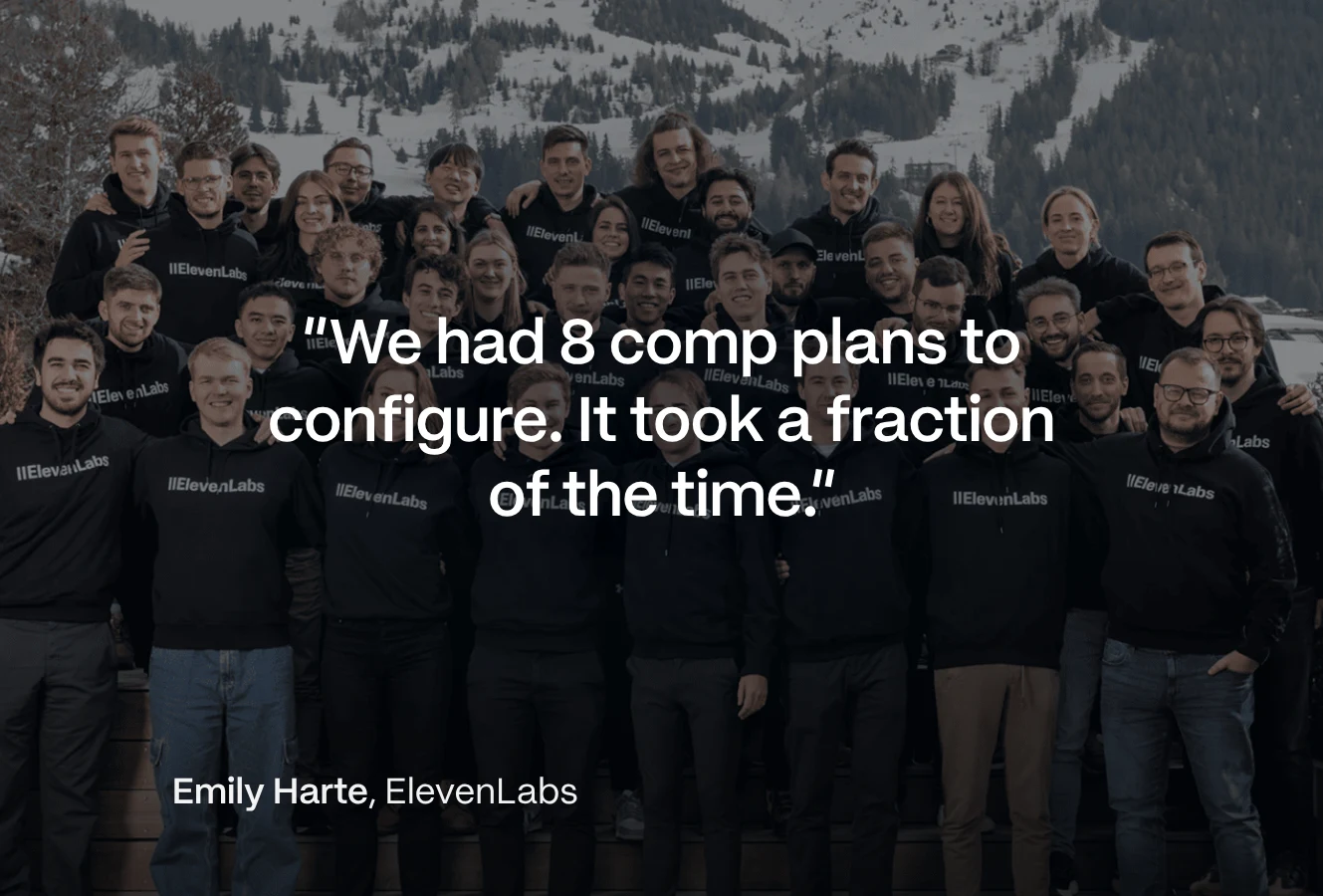

Sales Compensation Software Benchmark
Download
product

Analyze

Know where every commission dollar goes

Qobra's commission reporting software tracks your true cost of sales, spots plans that overpay before they burn budget, and forecasts payouts with no end-of-quarter surprises. Sales comp becomes a lever, not just a cost.


Rated 4.8/5 with 1,000+ reviews

“With Qobra, we can make plan changes very quickly. It took us one day to implement all the 2026 plans.”


Author Name
Author Role
Smiling woman with short dark hair wearing a navy blazer over a light beige blouse, standing against a plain white background.
“One thing that stands out right away is the transparency into how things are being calculated.”
Priyanka Dalal, Finance & Compensation at Sendoso

Build custom reports and share live dashboards.

Build custom reports with your own KPIs: commission costs, quota attainment, payout trends, by team, period, or plan. Share live dashboards with Finance and leadership instead of exporting spreadsheets.
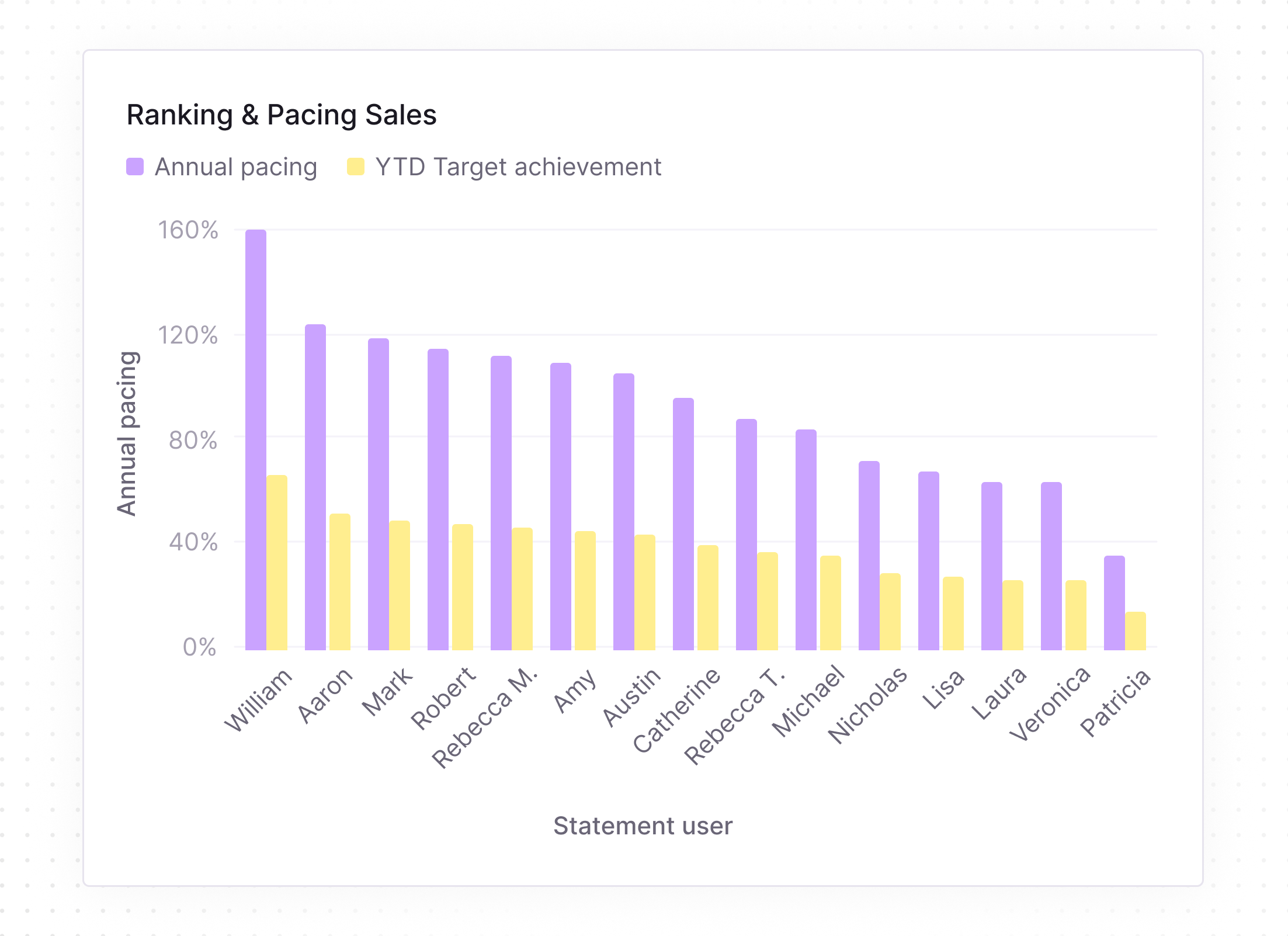
Bar chart titled Ranking & Pacing Sales showing Annual pacing (purple) and YTD Target achievement (yellow) for statement users. William leads annual pacing at 160%, followed by Aaron, Mark, and Robert around 115-120%. YTD Target achievement is highest for William just below 80%, with other users ranging down to about 10% for Patricia. Users include William, Aaron, Mark, Robert, Rebecca M., Amy, Austin, Catherine, Rebecca T., Michael, Nicholas, Lisa, Laura, Veronica, and Patricia along the horizontal axis, with percentages from 0% to 160% on the vertical axis.

The Analyst, your AI reporting agent.

The Analyst aggregates commission data across all your plans in seconds and turns any natural language question into a report. It even flags anomalies before they reach payroll.

Chat interface showing user Laura Simmons asking how each region is pacing against quota. Analyst responds that EMEA and US are ahead of target, with EMEA up 12% on new logo deals, US up 4%, and CA 3% behind. A horizontal bar chart displays progress with colored bars for EMEA (orange), US (yellow), and CA (purple). Below is a purple button labeled 'Open the Q3 commission cost report.'

Plan performance monitoring.

Monitor the effectiveness of your plans and make sure payouts stay aligned with goals and performance. Prevent overpayment and underpayment with fast, accurate simulations of comp plan scenarios.
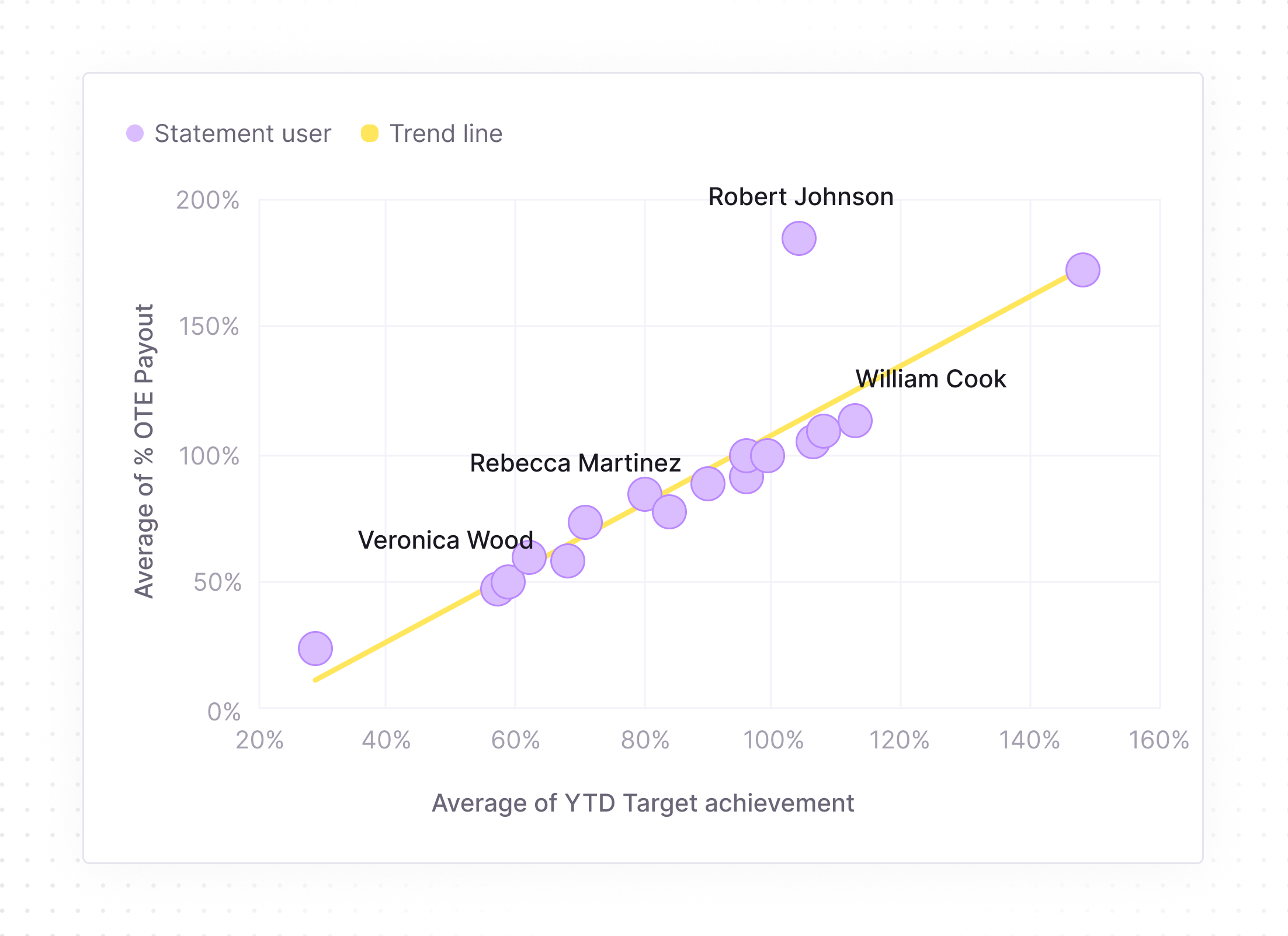
Scatter plot showing the relationship between average year-to-date (YTD) target achievement and average percentage of overtime (OTE) payout, with a yellow trend line. Data points labeled with user names include Veronica Wood near 40% YTD and 25% OTE, Rebecca Martinez around 70% YTD and 75% OTE, Robert Johnson near 110% YTD and 190% OTE, and William Cook around 120% YTD and 115% OTE. Most points cluster near the trend line, indicating a positive correlation.

Budget & cost control.

Forecast payouts accurately, generate accruals effortlessly, and keep budgets tight with no end-of-quarter surprises. Drill down to deal-level data to measure margins and your true cost of sales.


Table showing an opportunity for Unit 827 – Riverside with an amount of $890k, closing on Jan 12, 2027, owned by Jason Carter. Below, a payout breakdown lists Jason Carter (Listing Agent) with $5,000, Laura Simmons (Team Lead) with $1,500, and Robert Johnson (ISA) with $200, each accompanied by a small portrait photo.
Smooth gradient blending soft shades of peach, lavender, and cream with a silky texture.

Meet the three AI agents
that give you your week back.

The word 'qobra' in bold lowercase black letters with a stylized arrow pointing up and to the right as part of the letter 'a'.

Sales comp management,
on autopilot

The Architect

Your plan builder that creates, edits and simulates commission plans for you.

The Sales Coach

Answers every rep question, so you don't have to.

The Analyst

Catches commission errors before your reps do.

Build and test commission plans instantly. Describe a plan in plain language, update ten plans in one prompt, and simulate the result on historical payouts before anything reaches your reps.

Build and edit plans in natural language
Onboard new admins in hours, not weeks
Simulate before you launch
Meet the Architect

Answer every rep question, automatically. "How much will I earn if I close this deal?" "Why was my commission this amount?" The Sales Coach explains each statement with concrete examples, so reps trust their numbers and stop pinging RevOps.

Cut rep questions by 90%
Let reps simulate earnings in real time
Make every plan self-explaining
Meet the Sales Coach

Catch commission errors before payout. The Analyst reconciles data across plans, tracks quota attainment and pay versus performance, and alerts your team before payroll turns into a fire drill.

Reconcile every plan automatically
Track the metrics that matter
Get alerted before errors cost you
Meet the Analyst
3xFaster to implement
“I will say the Architect has been off the charts good. It really is incredible, so I don't see this being a massive lift like in the past.”
Smiling man with glasses and short dark hair wearing a light beige quarter-zip sweater, sitting in front of a purple backdrop with a lion head logo.
Khaled AlSaleh
Head of RevOps at incident.io

Qobra MCP Server

Use Qobra from Claude, ChatGPT or any MCP-compatible assistant. Pull commission data, trigger actions, and build custom workflows that run themselves, with your Qobra permissions applied to every request.

Circular logo with a soft pastel gradient in cream, peach, and lavender colors featuring the text ‘qobra’ in bold black lowercase letters with a rightward arrow integrated into the letter ‘a.’Two small blurred purple comet shapes diagonally positioned.

Built for every team that touches sales comp

ForRevOps & Operations
Smiling Asian woman with black hair pulled back, wearing a black blazer and beige top, in a softly blurred indoor setting with warm tones and windows.

Ship plan changes in hours, automate the busywork, and shift from running commissions to supervising them.

ForFinance
A man with blond hair and blue eyes wearing a gray sweater sits at a desk with arms crossed, looking directly at the camera with a slight smile; a blurred office environment is in the background.

Accurate payouts, controlled cost of sales, and an audit trail that makes every number defensible.

ForSales leaders
Smiling young woman with long red hair looking down at a laptop screen in a softly lit room.

Reps who trust their numbers sell more. Transparency, live rankings, and instant answers keep the floor motivated.

ForSales Comp teams
Man wearing glasses and a blue button-up shirt smiles with arms crossed on a surface in a softly blurred indoor setting.

Close every period on time, cut the question flood, and report to execs in minutes, not weekends.

ForHR
Smiling woman with glasses, freckles, and short brown hair wearing a blue shirt, resting her elbow on a desk with a keyboard and a mouse visible, in a blurred indoor setting with a plant in the background.

Keep variable pay fair and compliant, and send clean data to payroll on time, without chasing spreadsheets every month.

01
02
03
04
White stylized letter G with a superscript 2 inside a solid orange circle.
4.8/5
with 1,000+ reviews
View all customer stories
“I would say the tooling is very simple. You can see where the variables are coming from, so it was very easy and quick for our team.”
Jessica Ho, RevOps Manager at ElevenLabs
Watch the ElevenLabs story
“Since we’ve had Qobra, we’ve seen between 15 and 20% progress towards our objectives.”
Fabian Q. Veit, CEO at Make
Watch the Make story
“It’s more the fact that I just don’t have to worry about commissions anymore.”
Chris Cook, RevOps Director at GoCardless
Watch the GoCardless story
“At the end of every period, when we run commissions right now, we do a simple check with our finance team, and that’s it.”
Derek Boelig, VP RevOps at DataSnipper
Watch the DataSnipper story
Integrations

Plugs into the tools you already use

Qobra connects natively to your CRM, data warehouse, HRIS and ERP, so commissions run on the same data, refreshed in real time. And yes, you can still make manual adjustments.

View all integrations
CRM & ERP
HRIS
Circular icon with concentric gray and black rings surrounding a center circle that has a soft pastel gradient and features the word 'qobra' in black lowercase letters with a rotated arrow pointing upward to the right.
Data Warehouses & Databases
File Storage Systems
Qobra MCP Server
Use Qobra from Claude, ChatGPT or any MCP-compatible assistant. Pull commission data, trigger actions, and build custom workflows that run themselves, with your Qobra permissions applied to every request.
Smooth gradient blending soft shades of peach, lavender, and cream with a silky texture.

Security and Control

Enterprise-grade security built into every layer.

Time back. More trust.
Their words, not ours.

Man in a blue sweater sitting on a chair in front of a ping pong table with a colorful collage of posters and artwork on the wall behind him.
“Qobra increased my team’s confidence, which directly impacts sales performance.”
Watch the GoCardless story
Smiling young woman with medium-length dark hair wearing a red blouse, standing outdoors with blurred urban background.
RevOps Manager
ElevenLabs
“I don’t really get questions anymore. Reps can see exactly what they’re paid on, and it saves me a lot of time.”


Portrait of a smiling woman with straight shoulder-length light brown hair wearing a black top, against a plain light gray background.
VP Global Sales
DataSnipper
“Qobra has significantly improved my team’s productivity. They no longer have to calculate their commissions manually, and it gives them more confidence in the process.”
Smiling man with short dark hair and beard wearing a light green blazer and white shirt, sitting against a white wall with a blue edge on the left.
RevOps Manager
DataSnipper
“Reps can ask themselves: if I close this $100K deal, how much more commission will I make? That little extra can motivate them to close.”
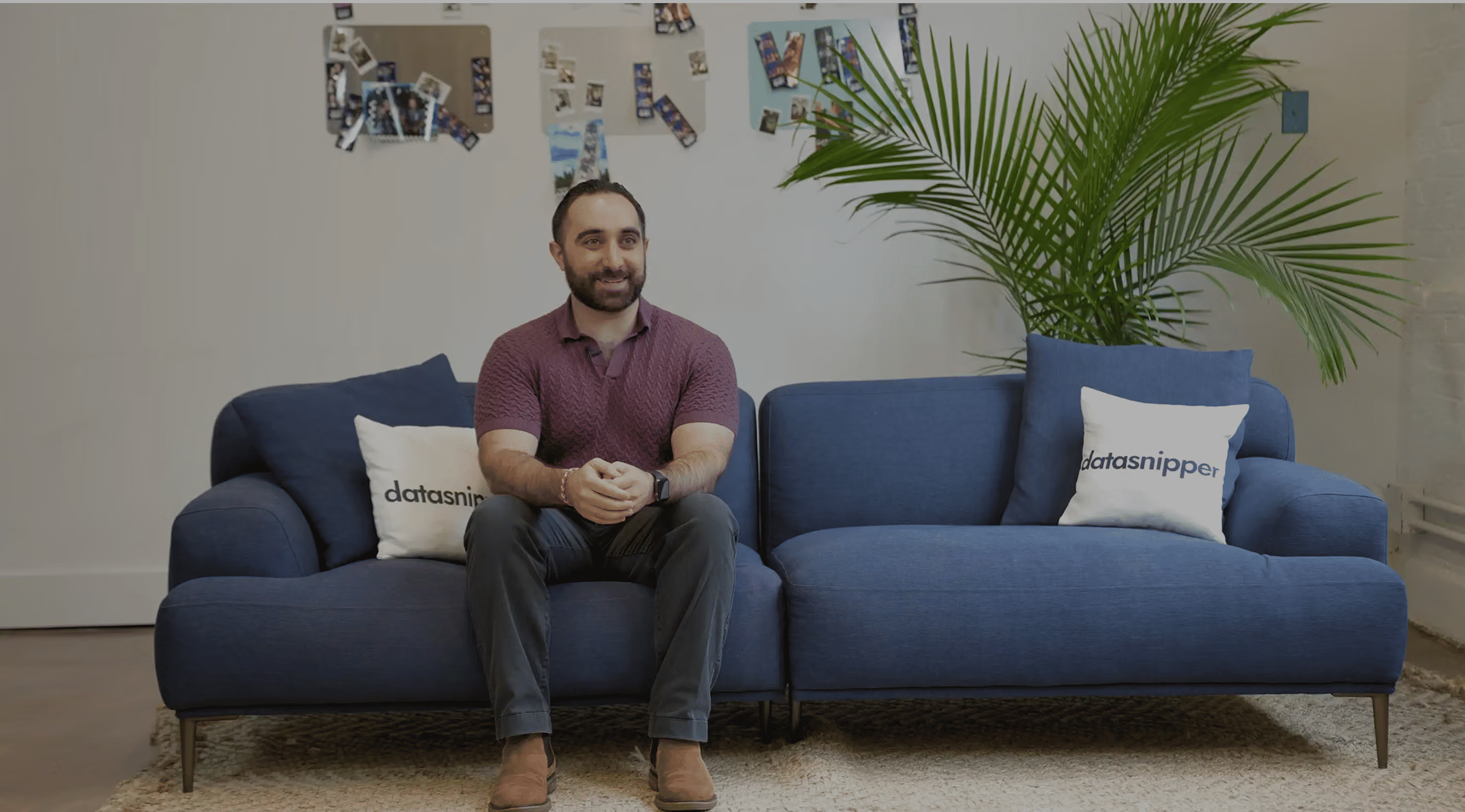
A man with a beard wearing a purple shirt and dark pants sitting on a blue sectional sofa with two white pillows labeled 'datasnipper' in a room with a large green plant and a wall decorated with photos.
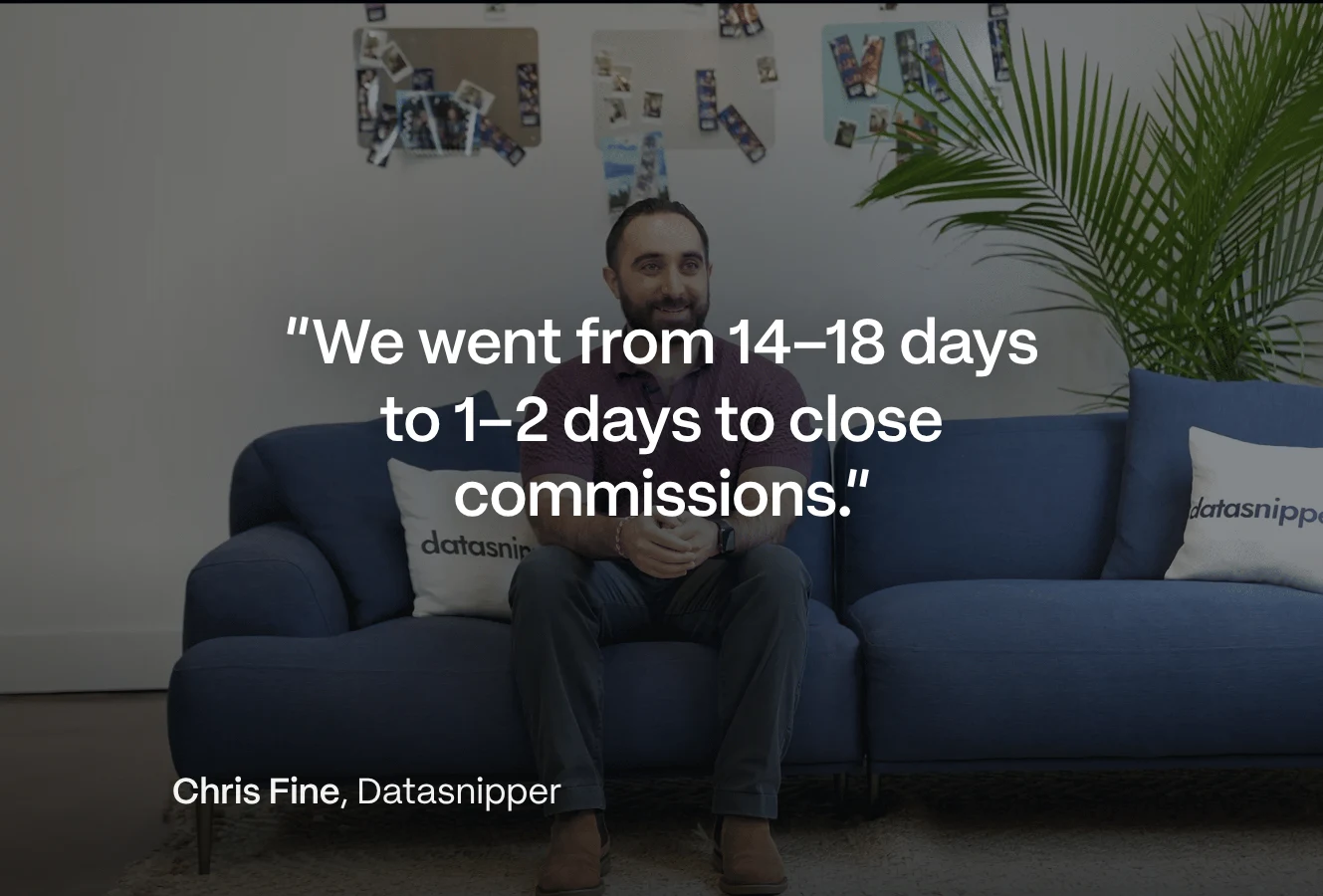
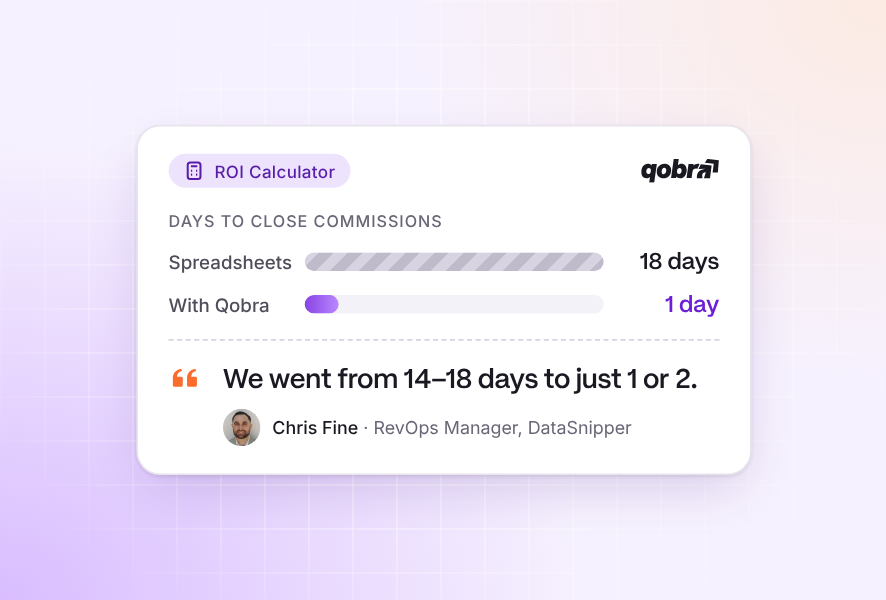
“We went from 14 to 18 days to 2 days, sometimes 1.”
Watch the DataSnipper story

Your frequently asked questions

Sales commission analytics is the reporting layer of a compensation platform: it turns payout data into metrics such as commission cost, cost of sales, quota attainment, and payout trends. In Qobra, these reports run on the same data as the commission calculations, so Finance and RevOps analyze actual payouts, not an export that is already out of date.

Qobra reports on commission costs by team, period, or plan, quota attainment, payout distribution, pay-for-performance ratio, accruals, and forecasted payouts. You build custom reports with your own KPIs and share live dashboards with leadership instead of sending spreadsheets.
The Analyst aggregates commission data across all your plans in seconds, answers natural language questions with a ready-to-share report, and flags anomalies before they reach payroll. It only sees the data the user is allowed to access, and every number traces back to the underlying deals and rules.

Qobra shows what each plan, team, and deal actually costs in commissions, so you can spot inefficient plans before they burn budget. Drill down to deal-level data to measure margins, compare plan scenarios, and keep payouts aligned with revenue goals.

Yes. Qobra forecasts payouts from pipeline and historical data and generates accruals automatically at each close, so Finance books commission expenses accurately and avoids end-of-quarter surprises. Forecasts update as deals move through the CRM.

Qobra's plan performance monitoring compares payouts with goals and results: attainment distribution, over- and underpayment, and the behaviors each plan drives. Simulate alternative scenarios on real data to fix a plan before the next period rather than after the damage is done.